Available, busy, away
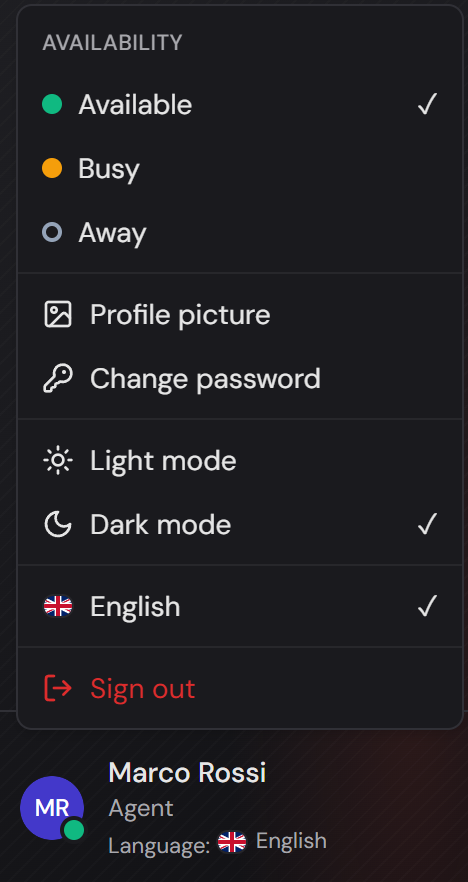
Every agent has one of three states and sets it themselves, in the user menu at the bottom left of the sidebar. The three entries sit under the heading “Availability”.
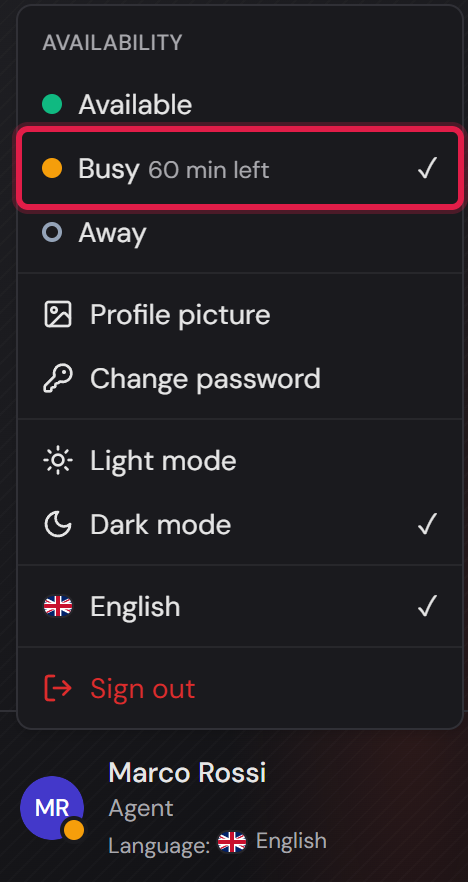
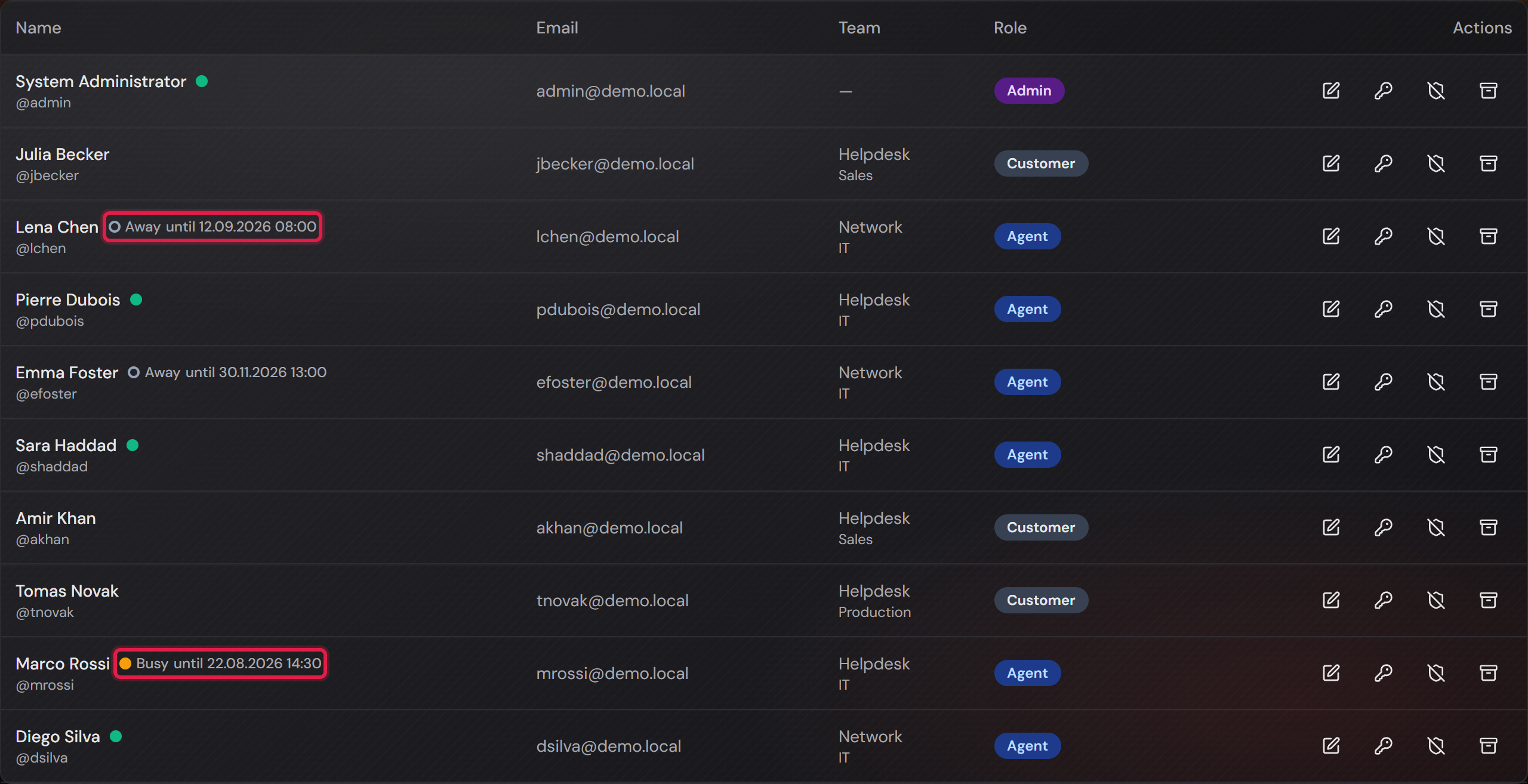
A dot shows the state. “Available” carries a green dot, “Busy” an amber one, “Away” an empty ring.
The three differ not only in colour but also in the fill, so somebody who has trouble telling colours apart still sees the difference.
Your own dot sits on your account picture at the bottom left, so you do not have to open the menu to see it.
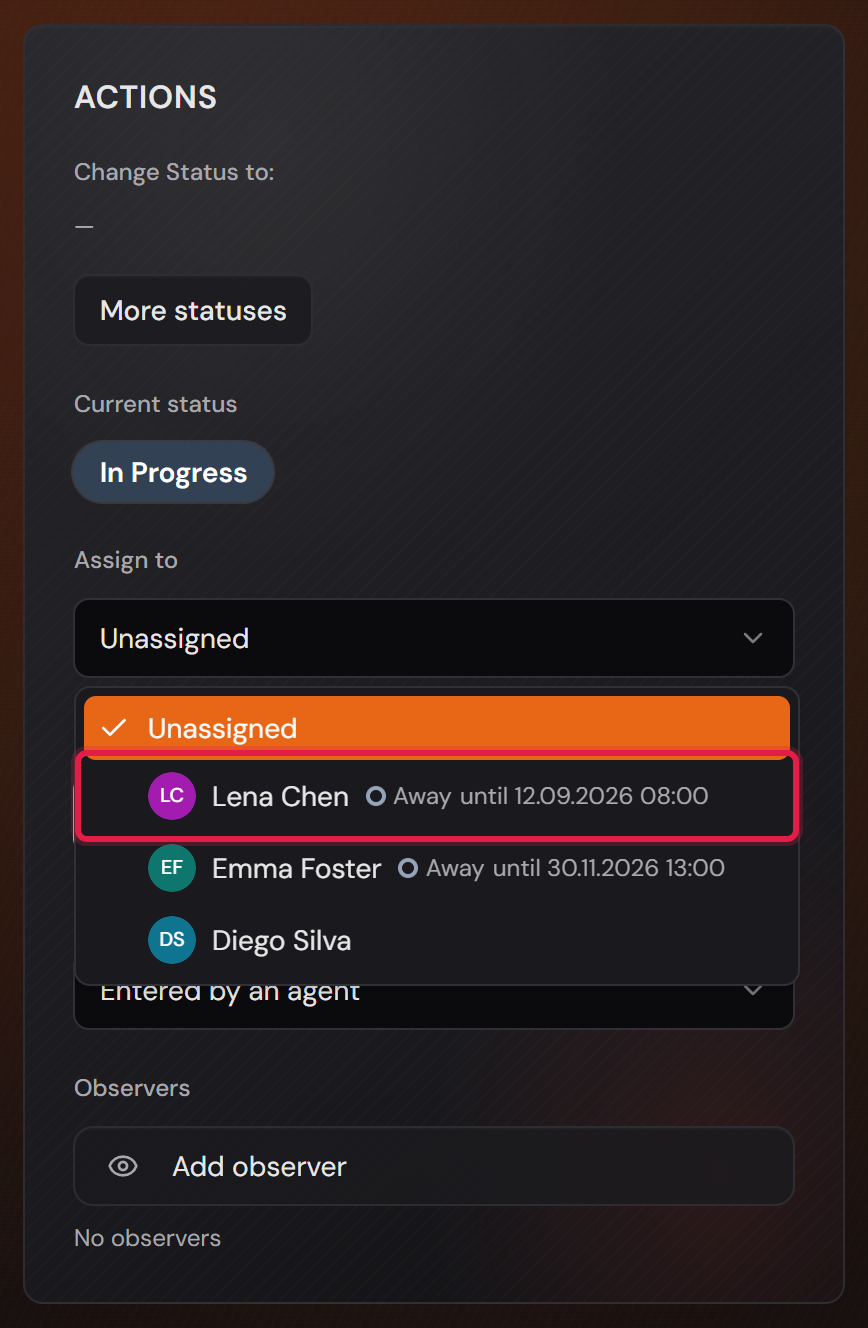
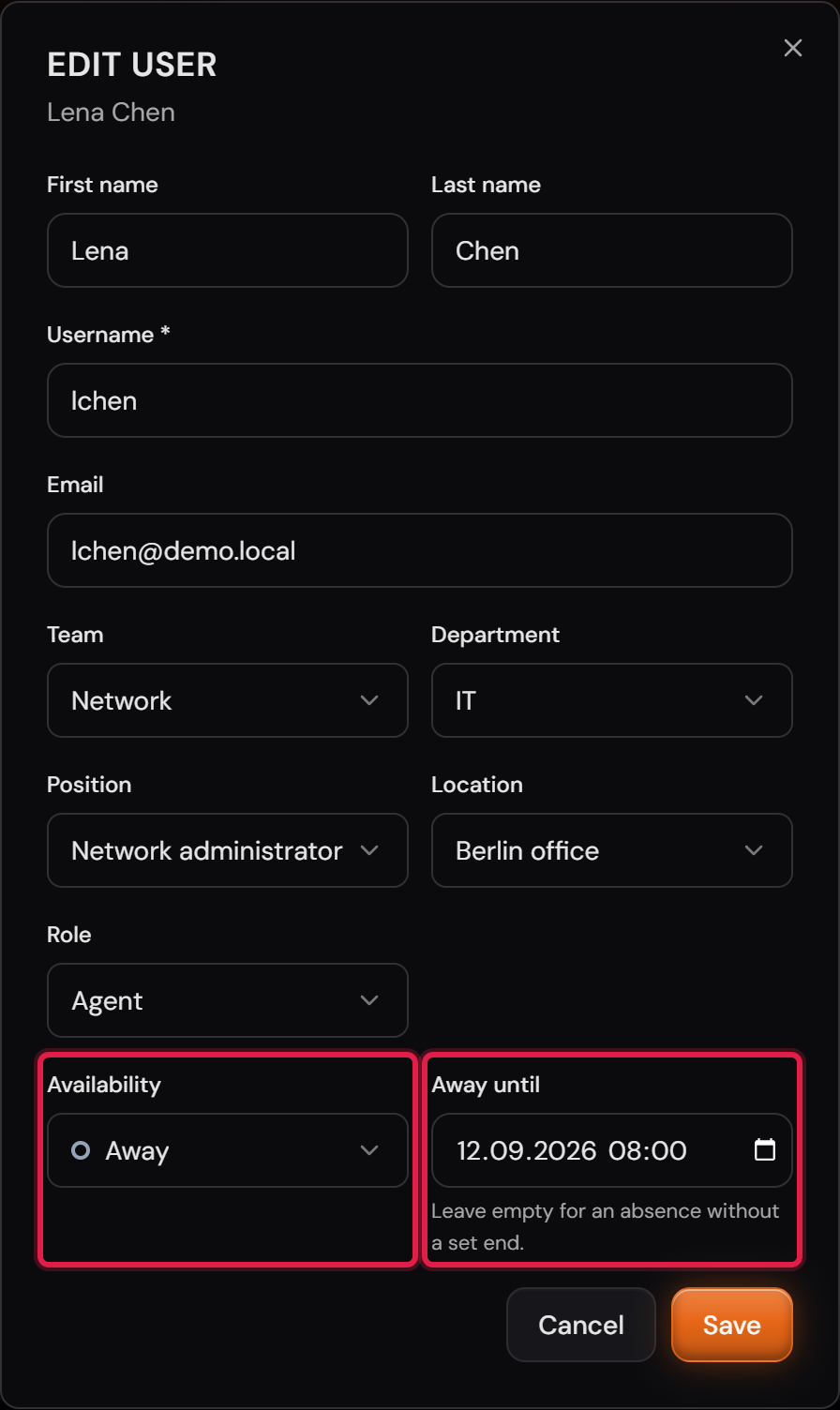
When you assign a ticket, the state stands behind the name. If an end of the absence has been recorded, it stands there too.
An agent who is not available stays selectable and is only marked as such. Whether the ticket goes to them anyway is your decision.
You are only ever offered the agents of the team the ticket belongs to.
Only agents and administrators have a state. A customer does not have one.
More on this in the card: Assign several tickets to one agent at once