Topic tiles with articles and attachments
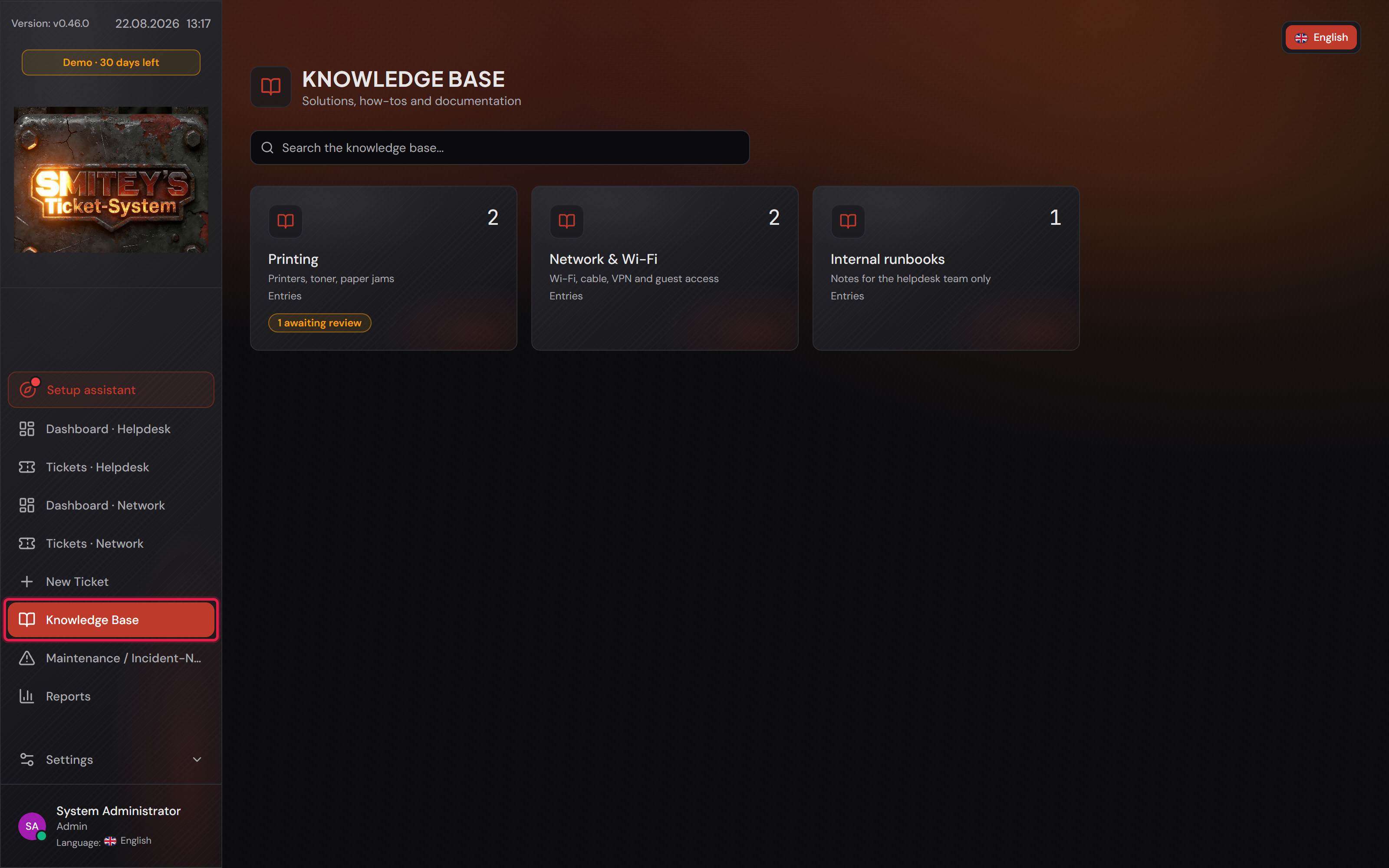
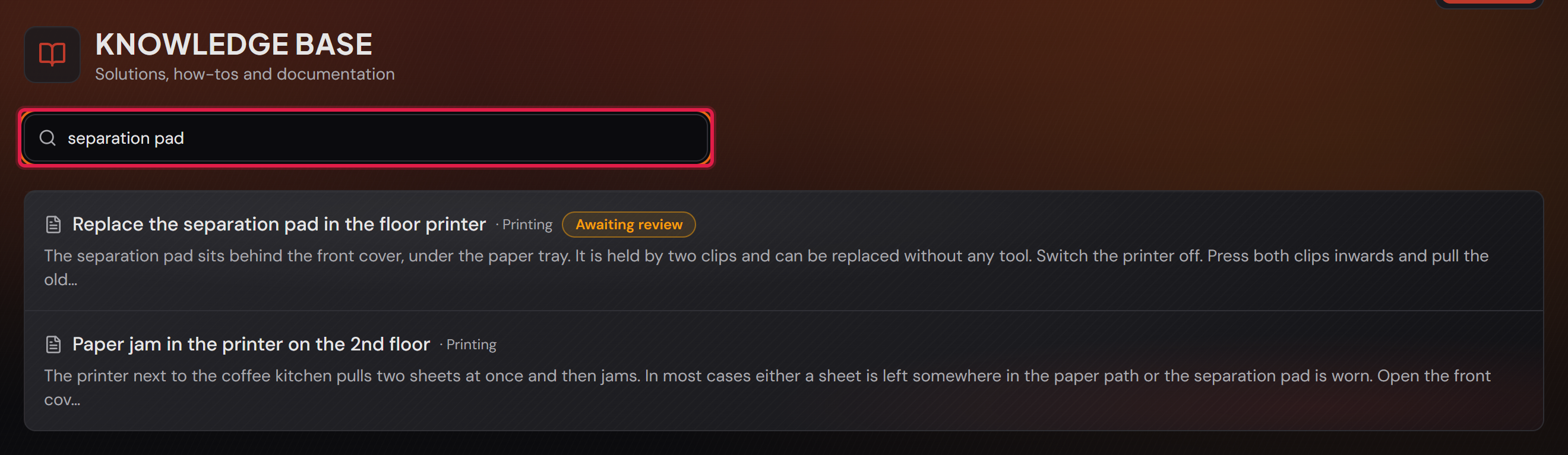
You reach the knowledge base through “Knowledge Base” in the left-hand bar. The overview consists of tiles — one per topic. The number in the top right of a tile is the count of published entries; below it stand the name and description of the topic. A click on the tile leads to the list of entries, each with author, change date and the first lines of its text.
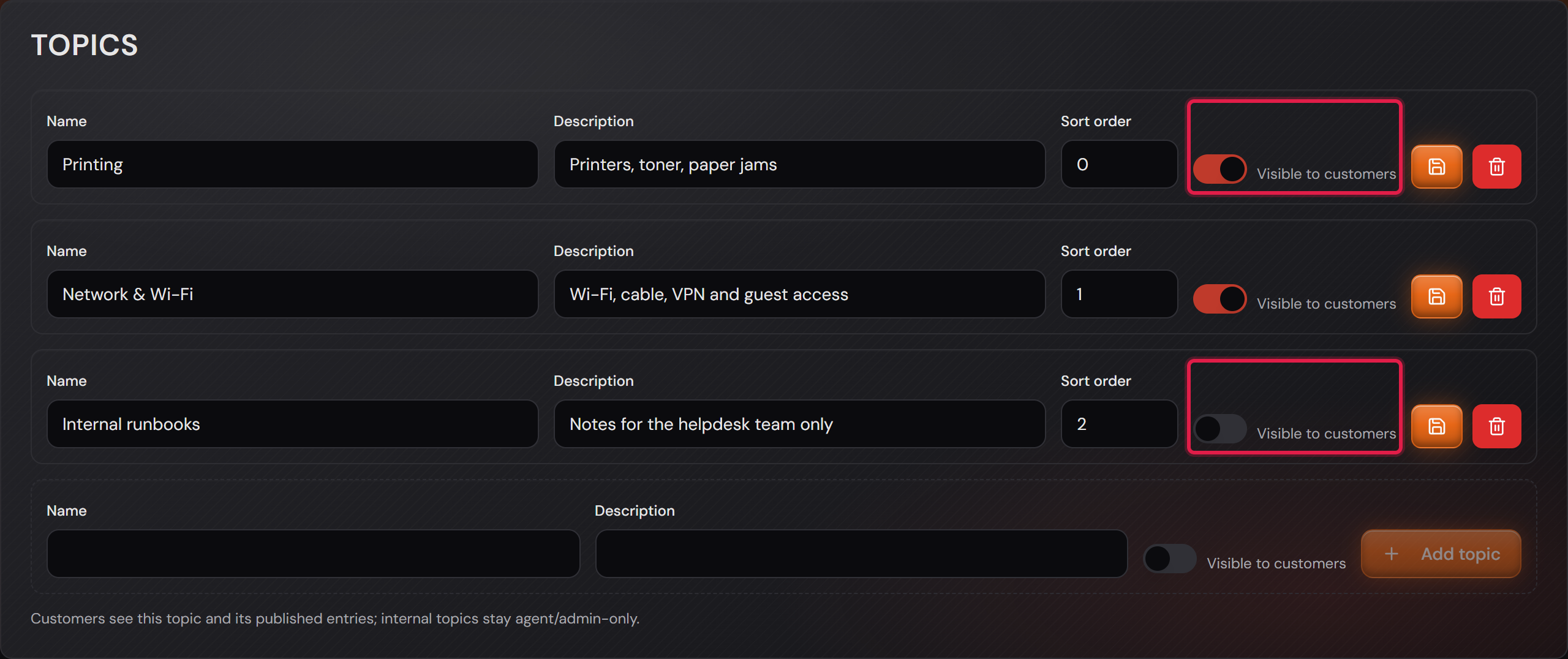
You do not create the topics here but under “Settings → Knowledge Base” (see the card “Visibility per topic”). Without a single topic the overview shows nothing but a note — an entry always needs a topic.
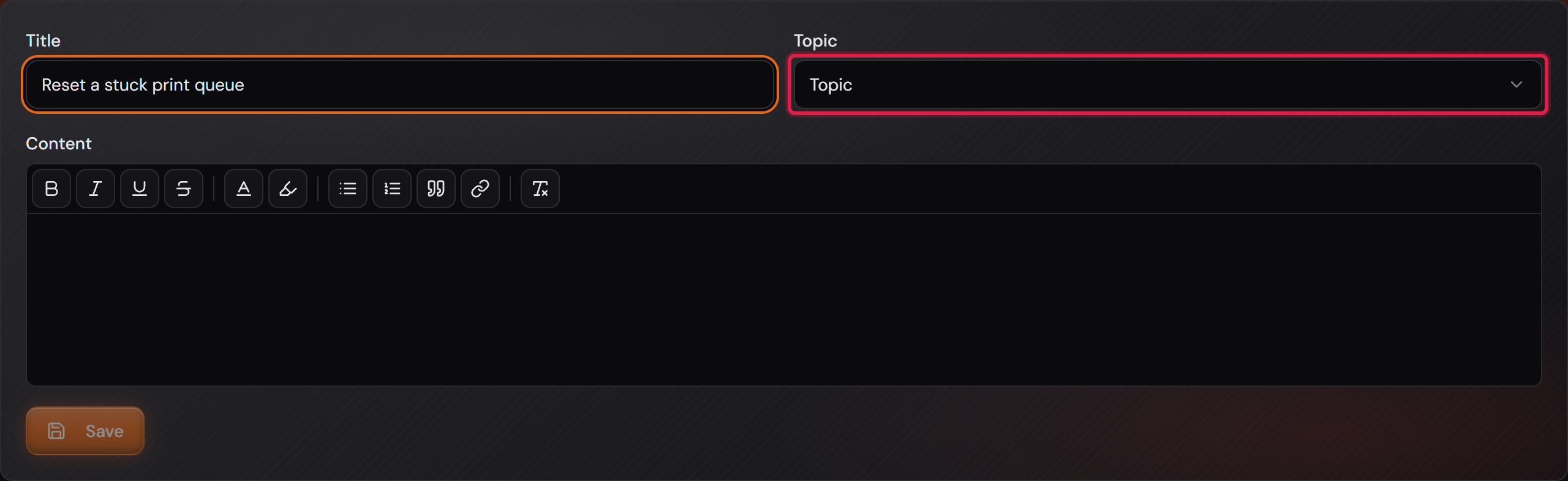
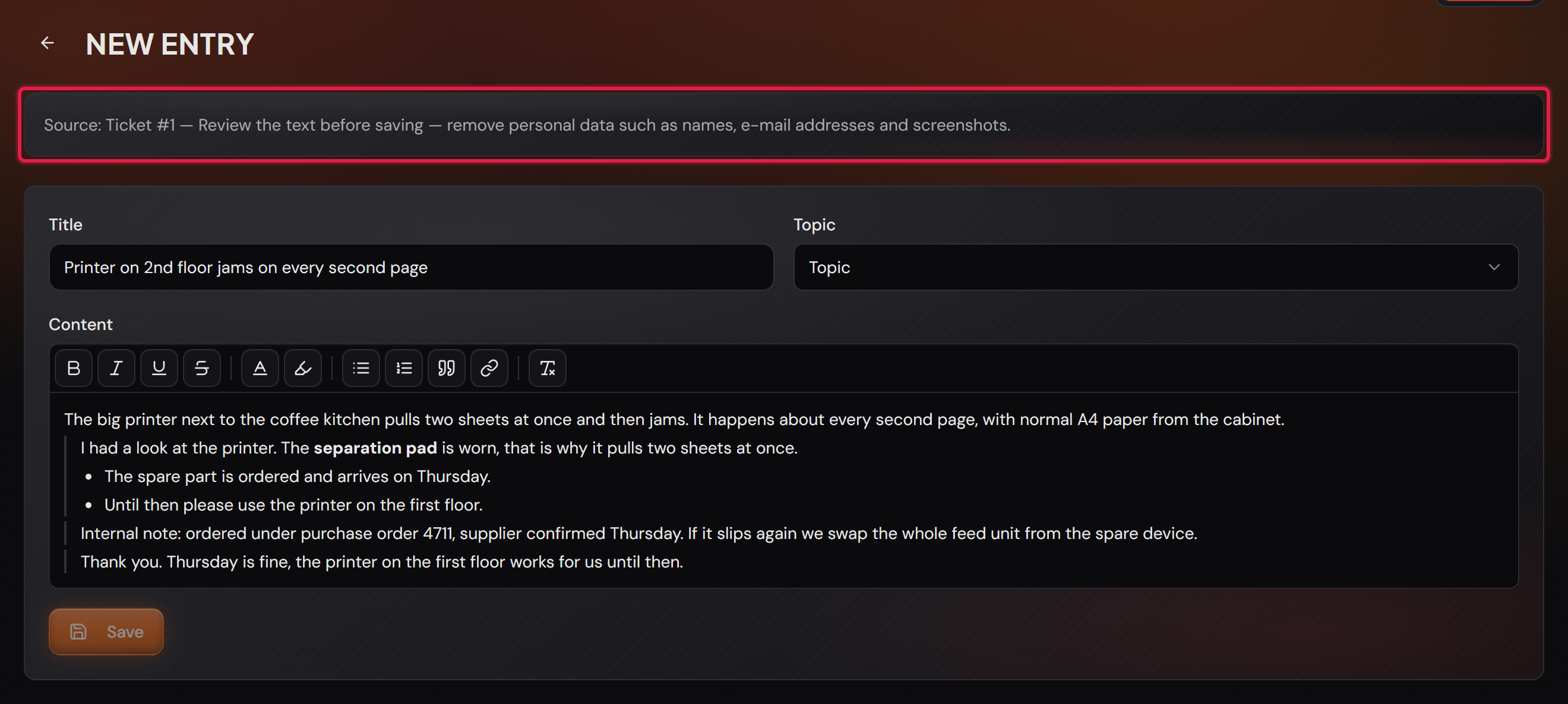
You write with “New entry” on a topic page. The editor asks for three things: “Title”, “Topic” and “Content”. It is the same editor as in a ticket, with the same toolbar: “Bold”, “Italic”, “Underline”, “Strikethrough”, “Text color”, “Highlight color”, “Bullet list”, “Numbered list”, “Quote”, “Link” and “Clear formatting”. A link is made as in a ticket: select the text, click “Link”, enter the address — web and mail addresses are allowed (http, https, mailto). “Save” stays grey while title or topic are missing, and an entry without text is rejected: attachments alone are not an entry.
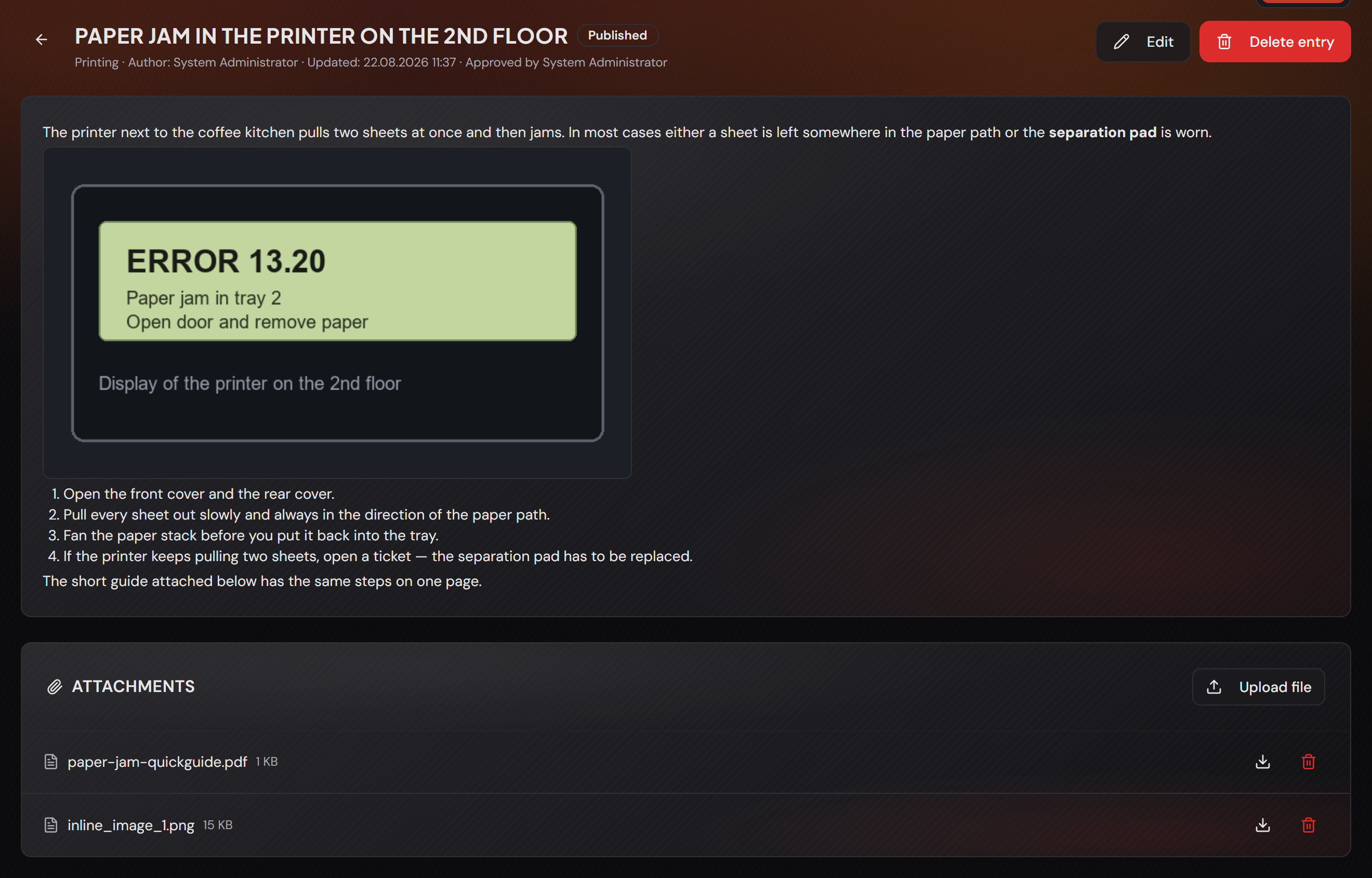
Images get into the text through the clipboard, just as in a ticket: take a screenshot, paste it into the editor with Ctrl+V. A marker such as “[inline-image:1]” appears in the text; on saving, the system uploads the image and shows it in exactly that place. It additionally turns up below under “Attachments” — that is where you delete it again. PNG, JPEG and GIF can be pasted.
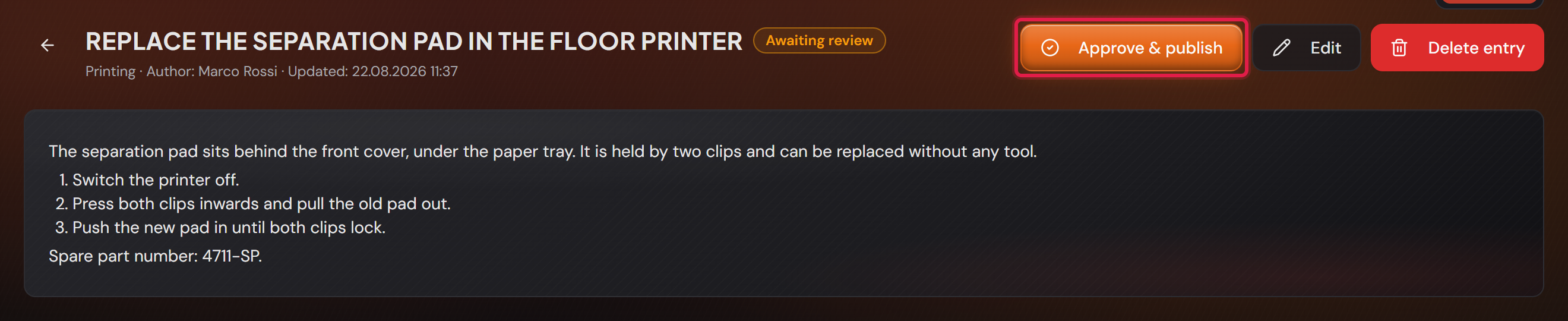
You attach files only once the entry is saved: at the bottom of the entry page sits the “Attachments” card with “Upload file”. Allowed file types and size are the same as for a ticket (up to 50 MB per file). Whoever uploaded a file may remove it again; administrators may remove any of them.
Administrators may always write, agents as long as the switch in the settings allows it (see the card “Approval”). Customers only read. An administrator may delete any entry; an agent may only delete their own entries that have never been published.