Follow-up on a ticket by hand (date + note, filters Today/This week/Overdue)
Before you start: Only agents and administrators see the follow-up, and the ticket says so: “Only agents and administrators see this — the requester never does.” The requester never gets to see it.
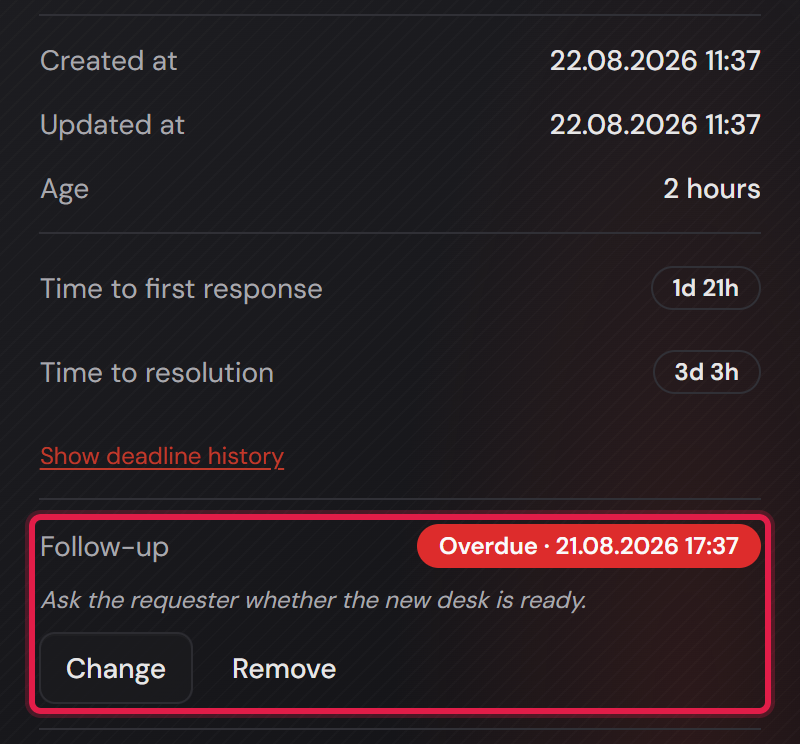
The follow-up sits on the ticket in the “Details” card on the right, below the deadlines. As long as none is set it says “No follow-up set.” with a “Set follow-up” button. You pick a date and time (“Date and time”) and add a note (“Note (optional)”, placeholder “Why is this coming back?”). After that the buttons read “Change” and “Remove”.
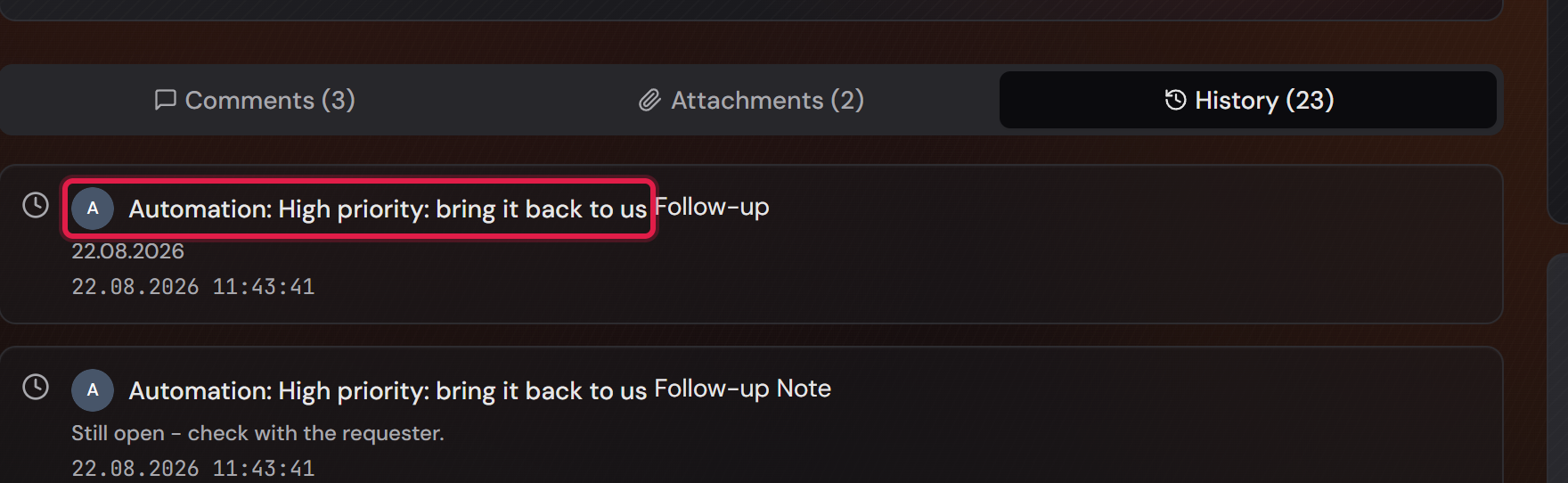
The note is where the value is. In two weeks a date alone will not tell you why this ticket is back on your desk. That is also why the note hangs on the date: remove the date and the note goes with it — a reason without a date is something nobody would ever see again.
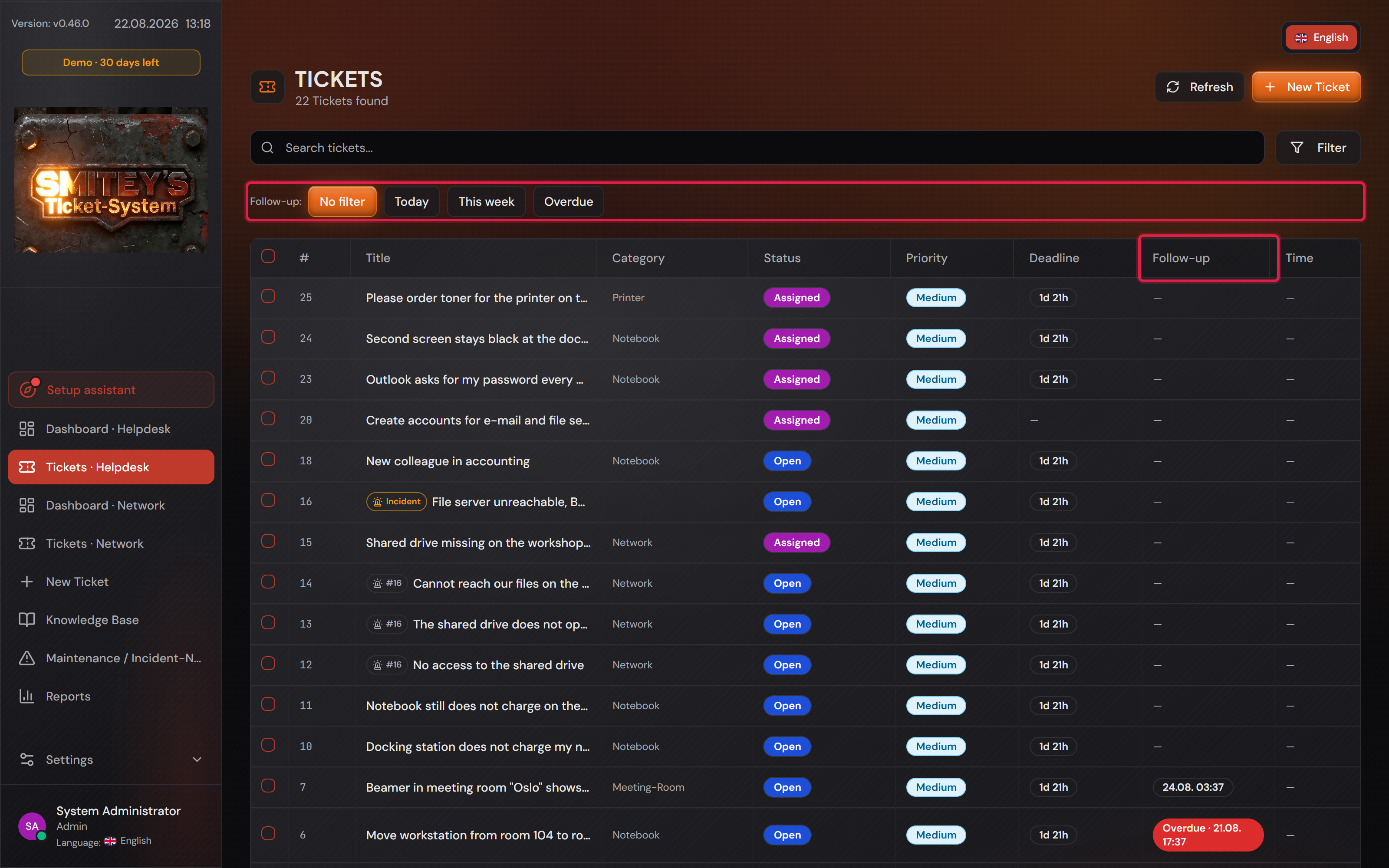
Above the ticket list sits a “Follow-up:” row with four buttons — “No filter”, “Today”, “This week” and “Overdue” — and the list itself has a “Follow-up” column. It deliberately does not live inside the collapsed filter block: this is the question an agent starts the day with.
“Overdue” includes today’s. Otherwise a follow-up would disappear on exactly the day it counts — the moment its time of day has passed.