The survey after closing
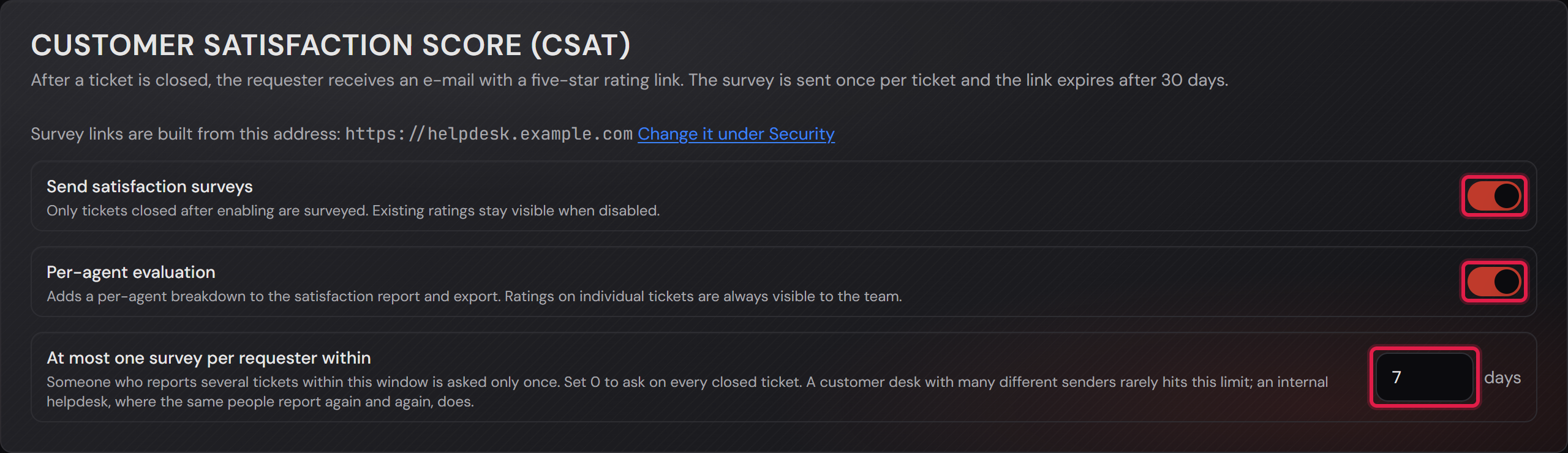
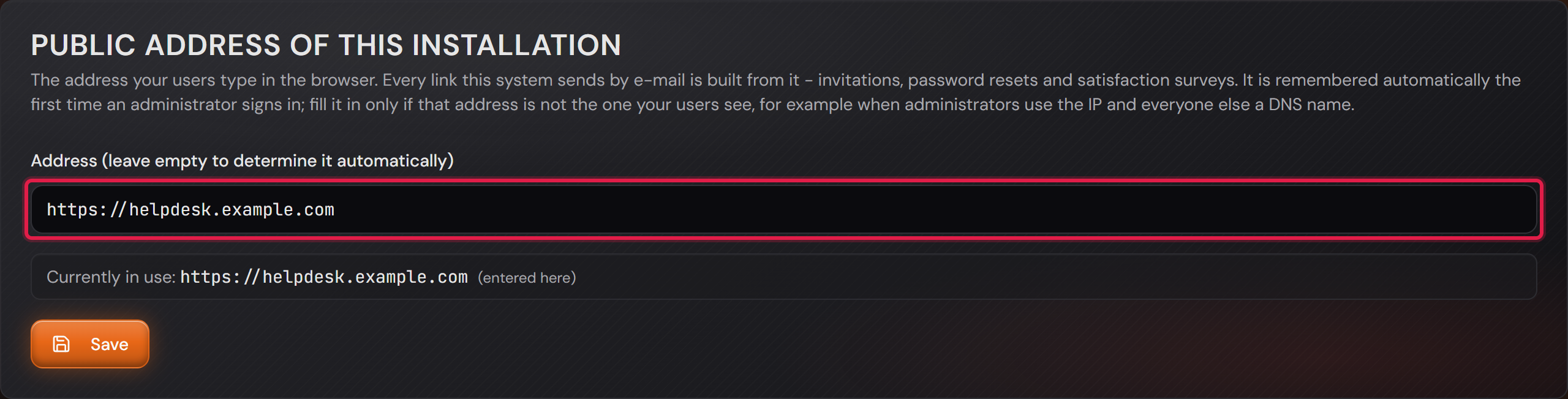
Professional onlyBefore you start: Two things have to be in place, otherwise nothing happens. Sending e-mail has to be set up. And under “Settings → Security” the public address of this installation has to be correct, because the link in the mail is built from it. With the wrong address stored there the system still sends the survey, and your customer ends up on a page that does not exist.
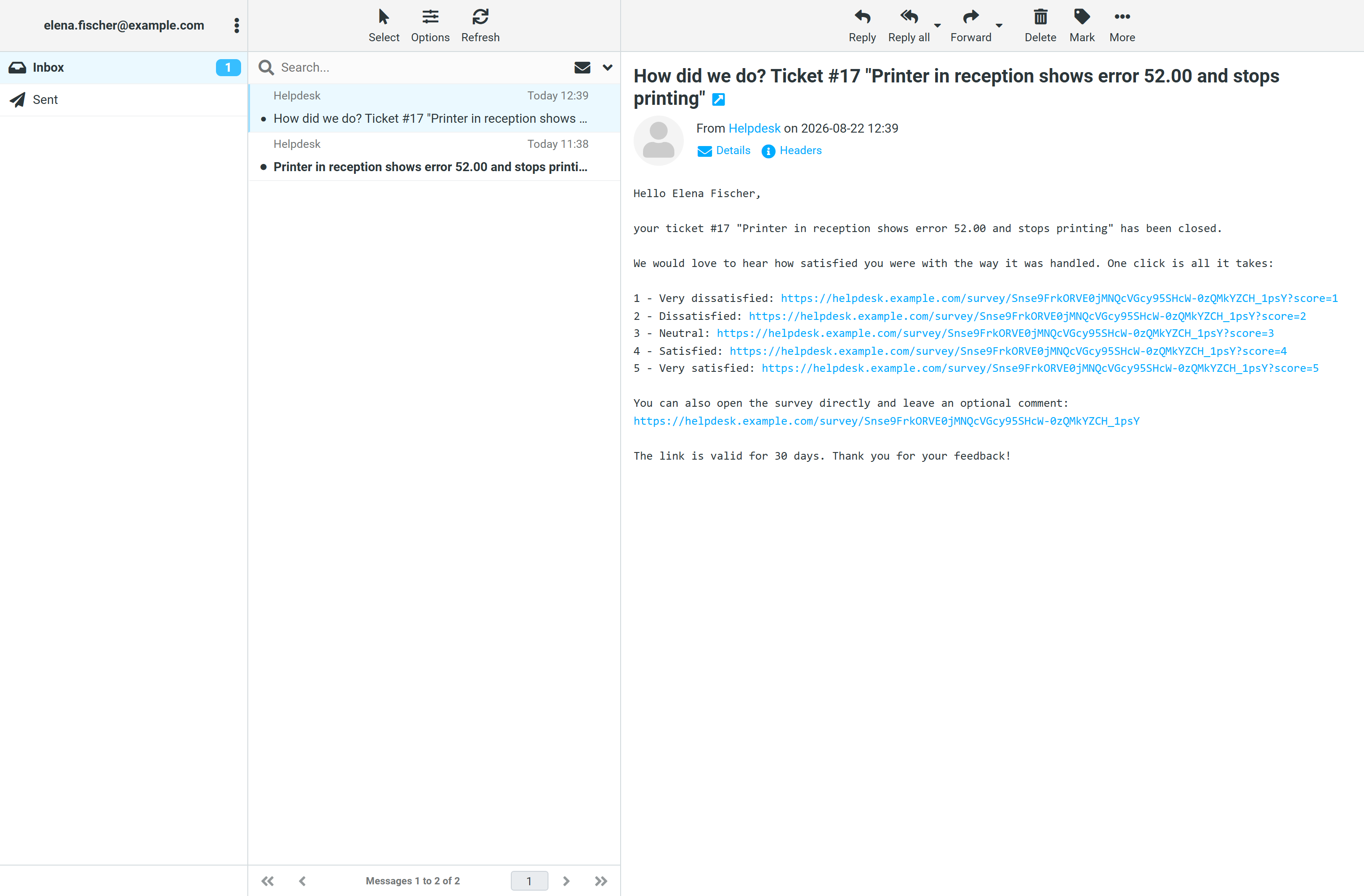
When a ticket is closed, the requester receives an e-mail with five numbered lines, one per rating from one to five stars. Each line is a link of its own, and one click is the whole answer.
The mail does not go out immediately. The system waits an hour after closing, and from then on a background service sends the surveys that are due every ten minutes. The hour is deliberate: a ticket that is reopened straight away should not trigger a survey.
There is exactly one survey per ticket. Even if a ticket is reopened and closed again later, the system does not ask a second time.
The link needs no customer account and is valid for 30 days. Until then your customer can change the rating — a misclick on the wrong star is more common than abuse.
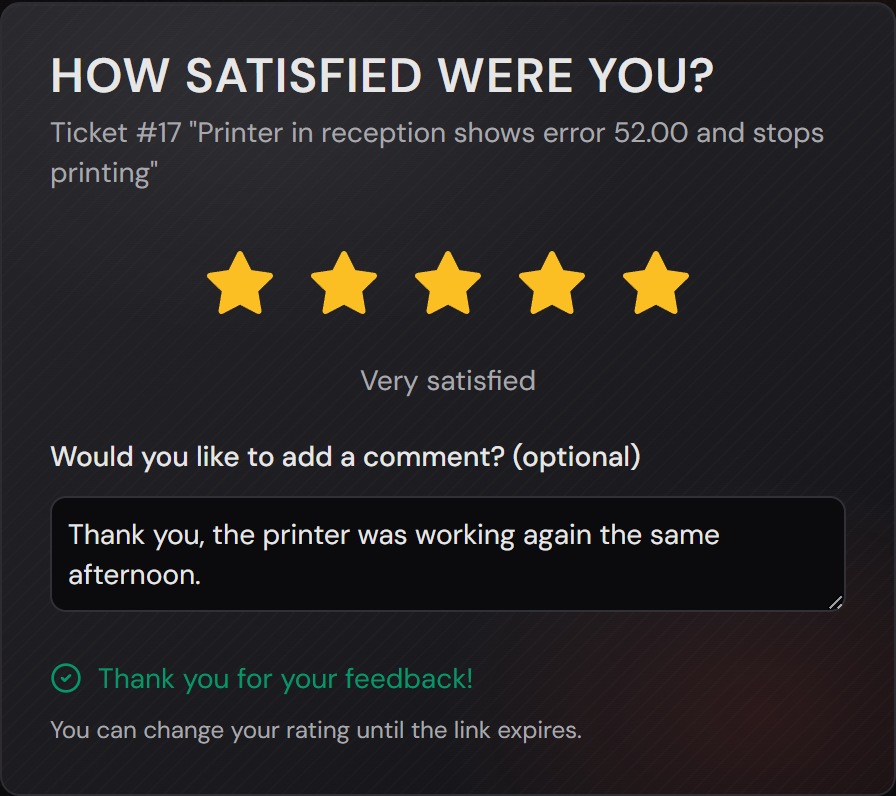
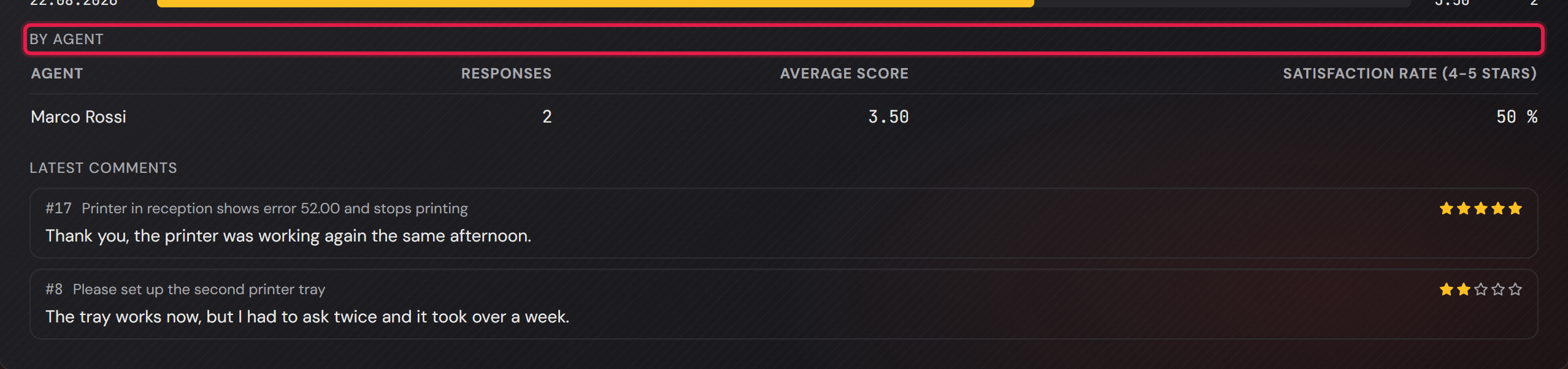
A comment is optional. Clicking a star is already a rating; anyone who wants to add something finds a field for it on the page and confirms with “Update rating”.
The page shows only the number and the title of the ticket. Description, comments and history are not on it: the link is a right to rate, not a right to read — it can be forwarded, or land in a shared mailbox.
The click from the mail only writes the rating once the page has loaded. That is why virus scanners and preview fetchers do not rate your tickets: they fetch the address, but they run no JavaScript. For a human being it still is one click.
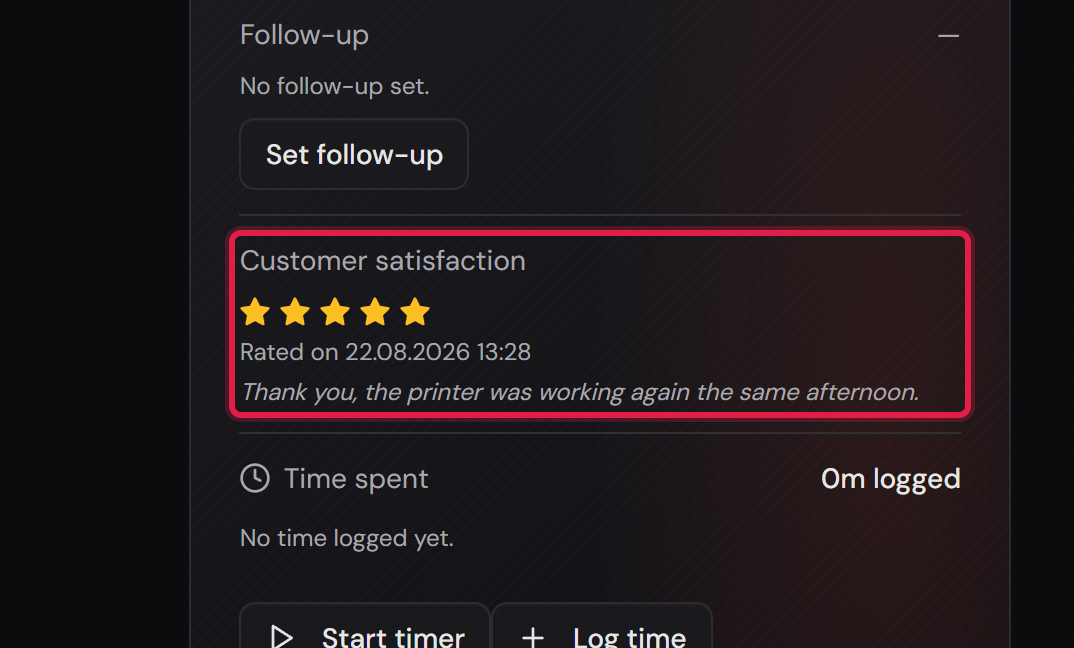
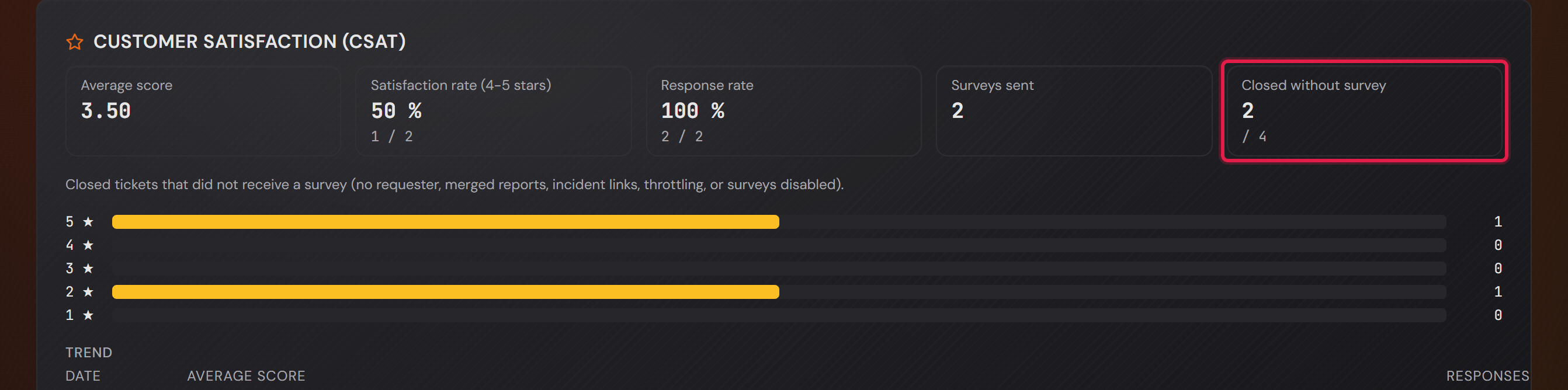
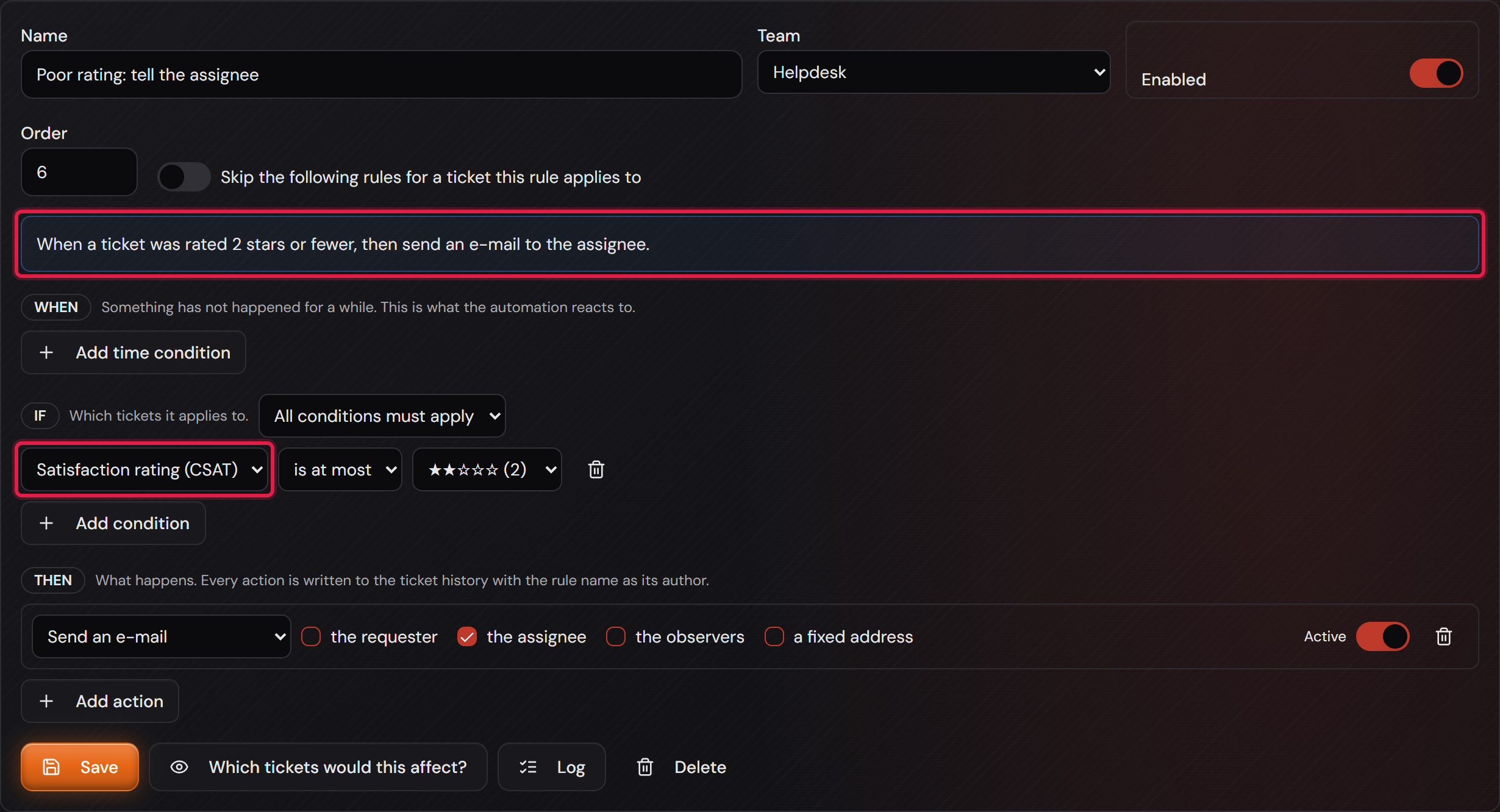
The rating that comes back sits on the ticket, where agents and administrators of the responsible team can see it. The customer never sees it there, not even their own.
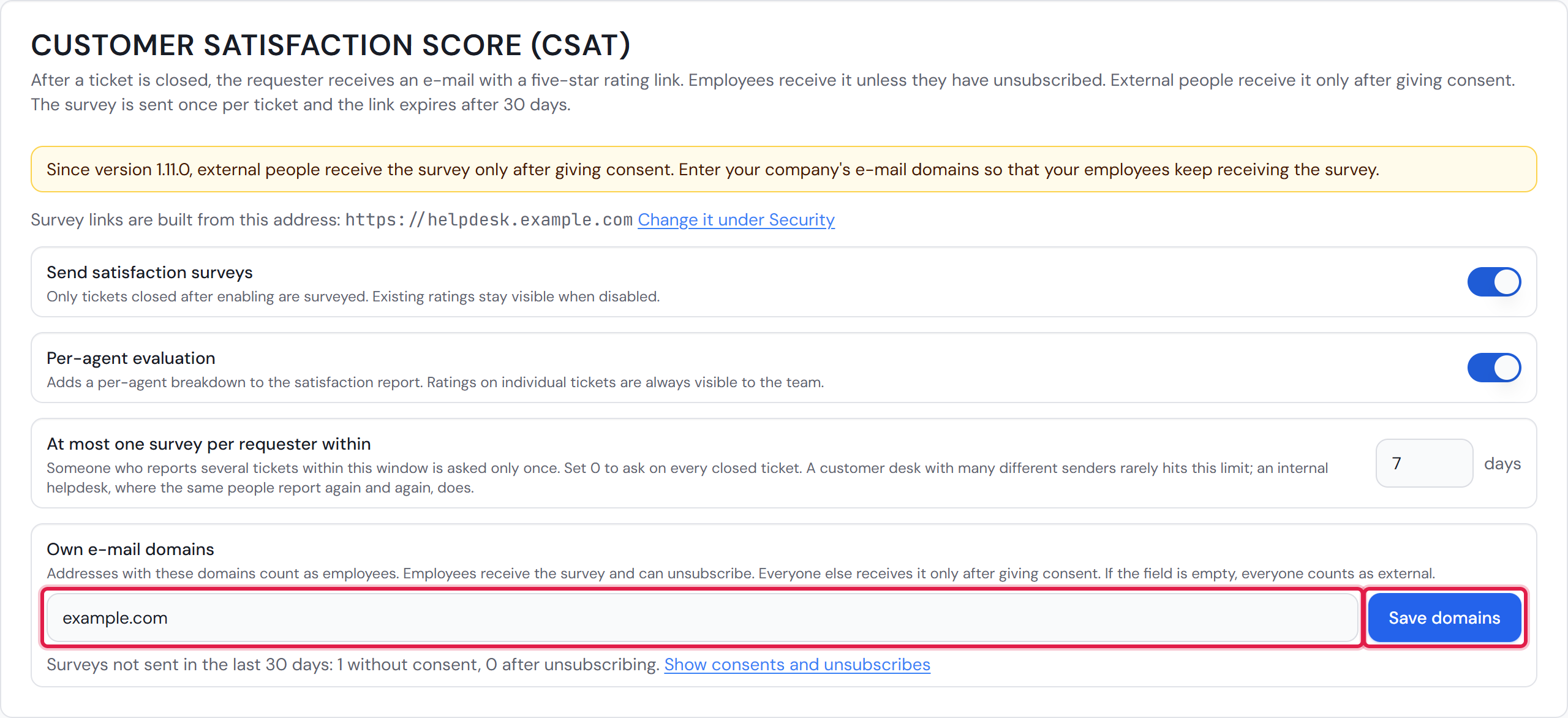
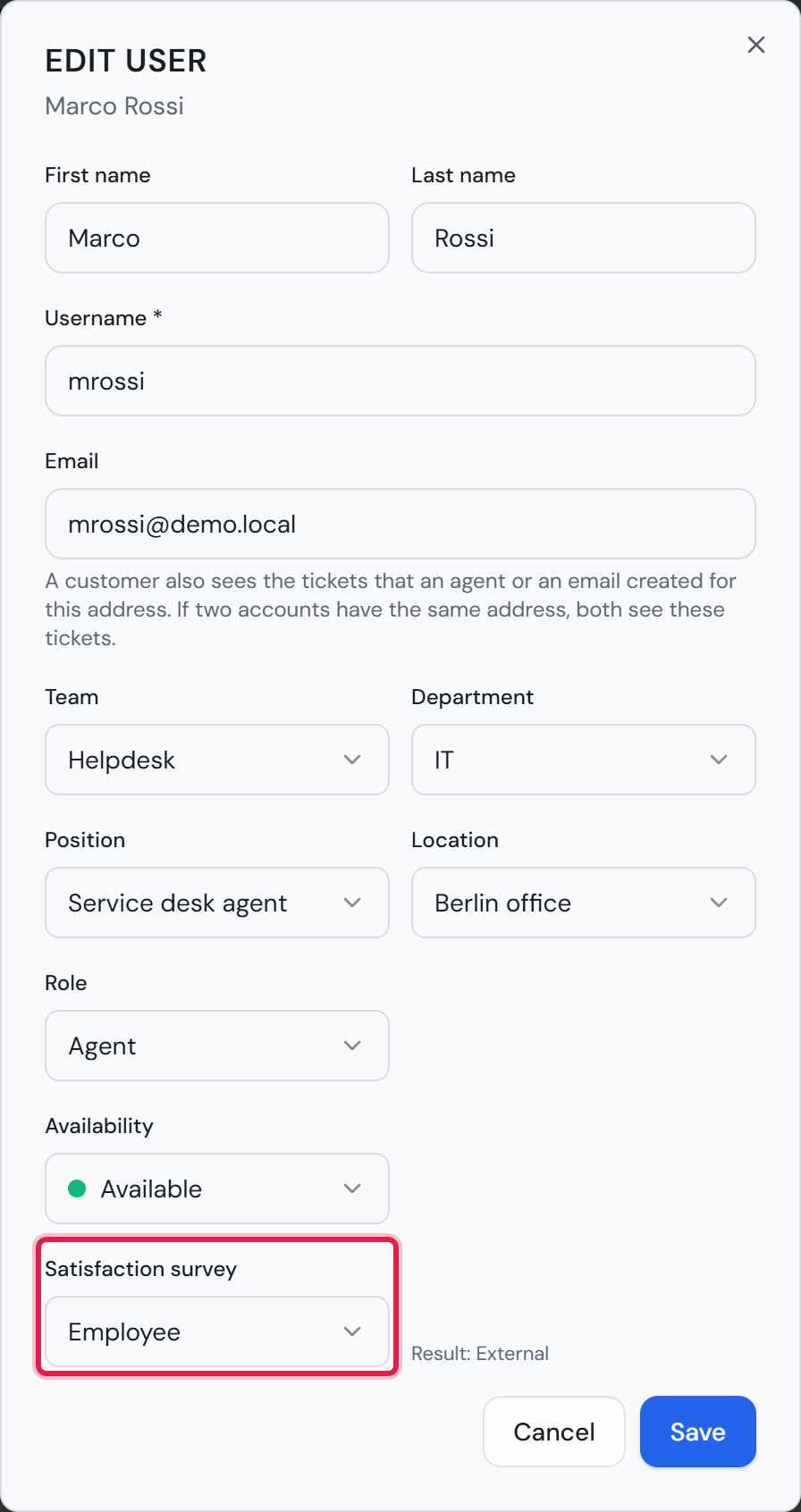
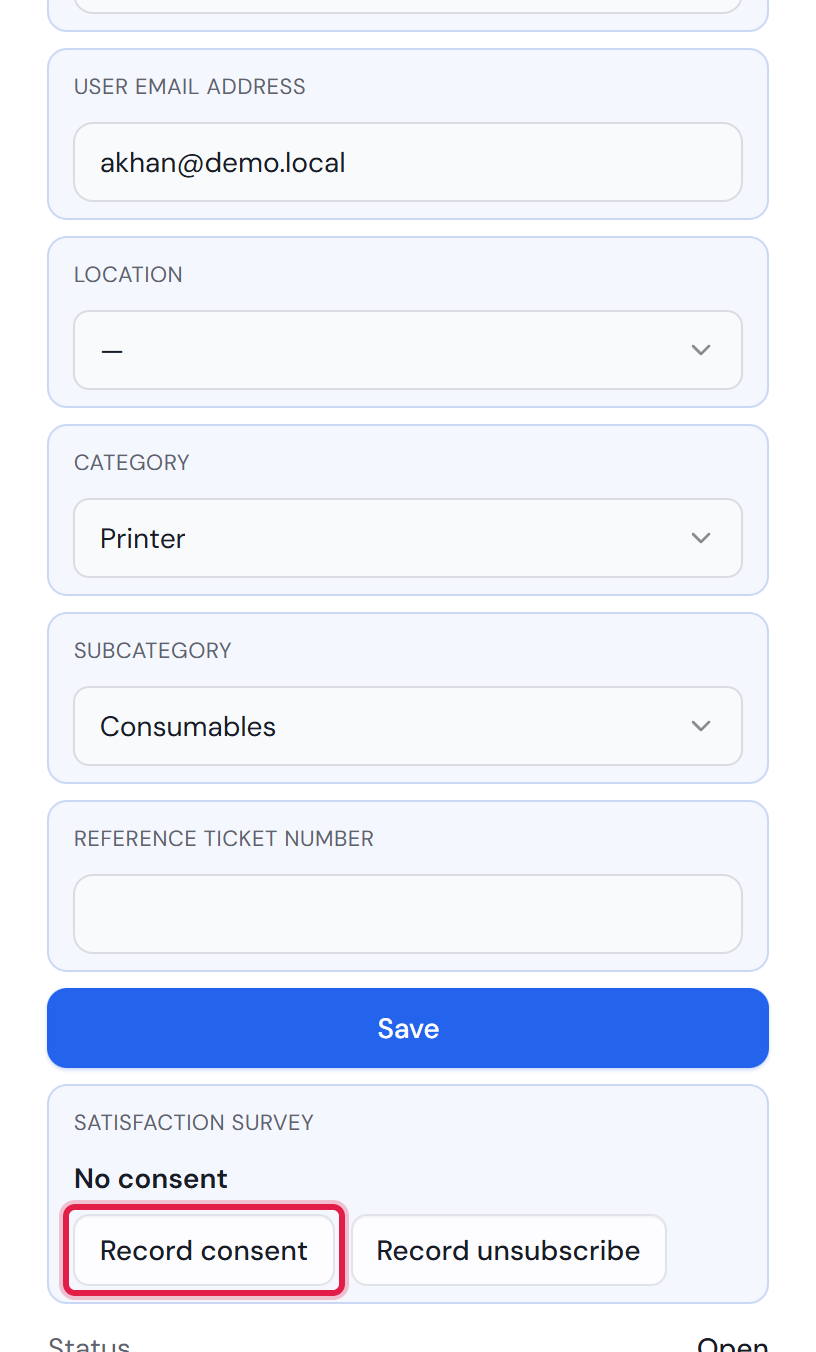
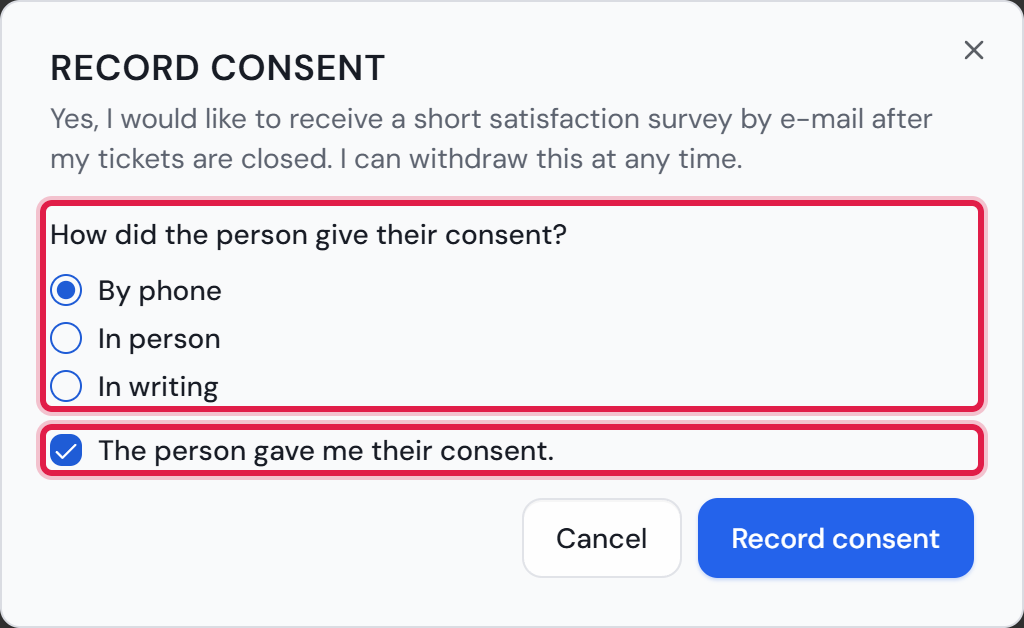
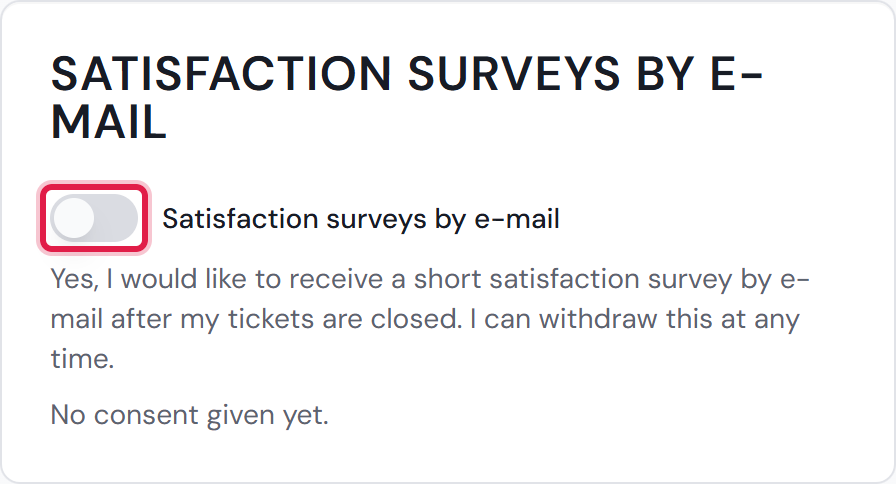
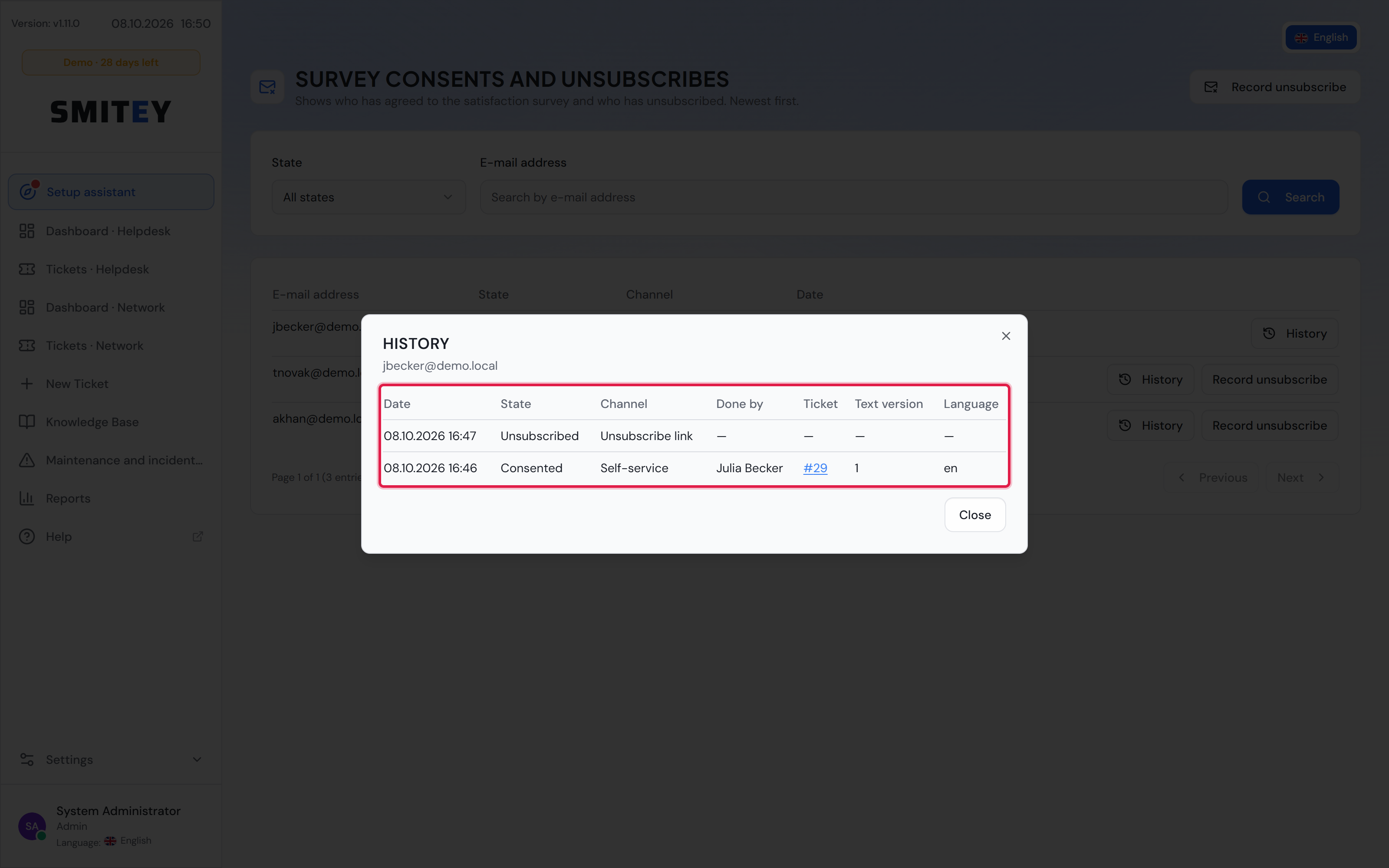
Not every closed ticket is asked. Without an address for the requester no mail goes out at all. Nor does a survey go out if the requester closed the ticket themselves or if their address is on the blocklist. Merged duplicate reports as well as the reports attached to a major incident stay out of it too — resolving an incident closes every attached report with a single click, and without that exception each reporter would be surveyed about the same piece of work. External people also only receive the survey after giving consent. The card “Who receives the survey” explains who counts as external.
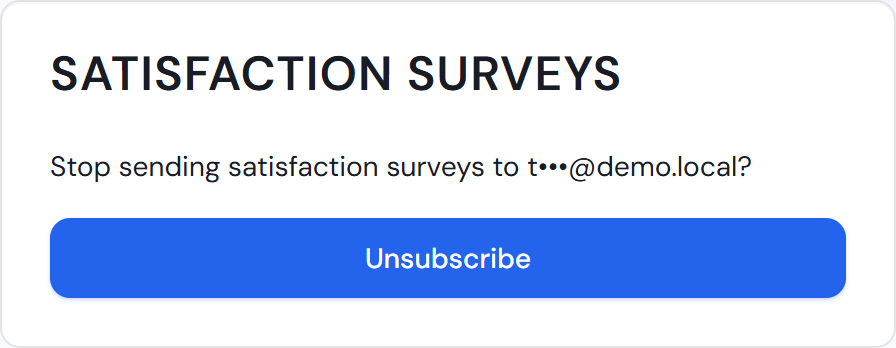
Every survey e-mail ends with a link to unsubscribe. After a rating, the survey page also shows the link “Stop receiving surveys”. The card “Consent and unsubscribe” explains both.
More on this in the card: Who receives the survey, Consent and unsubscribe