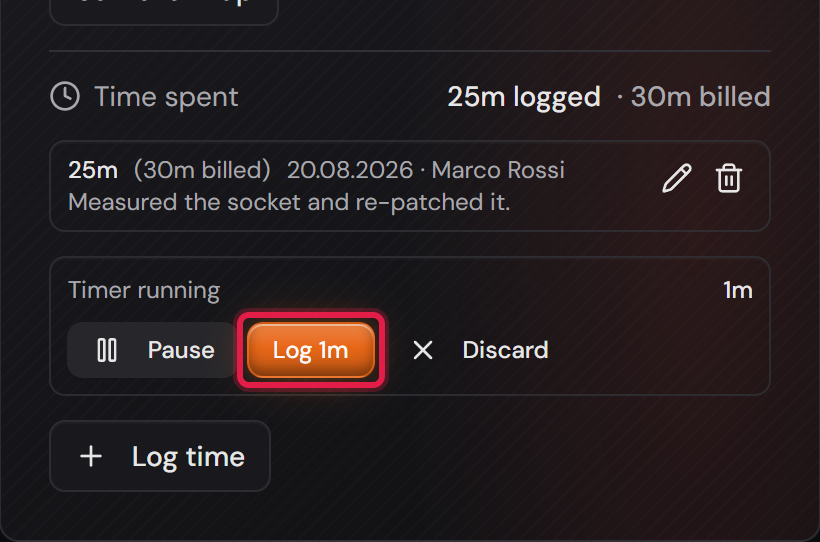
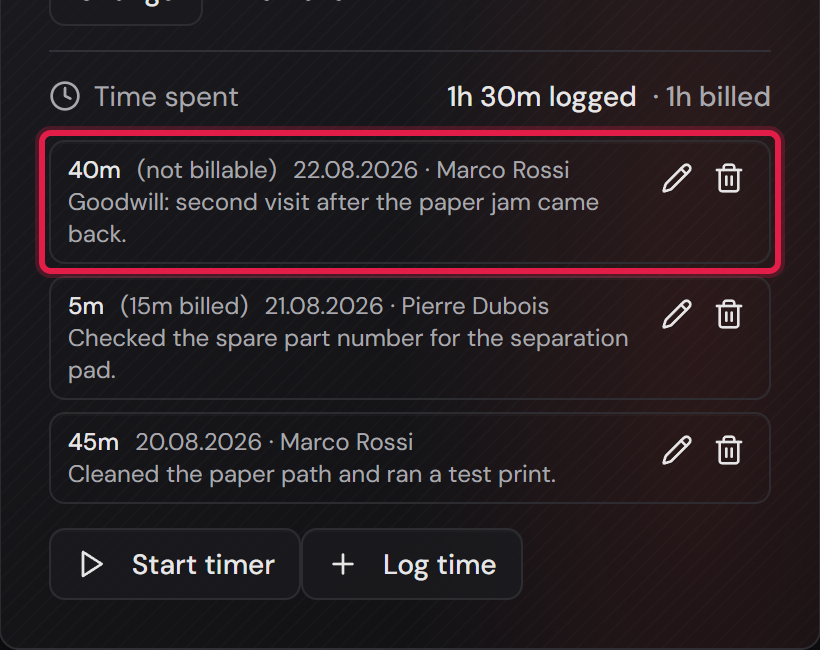
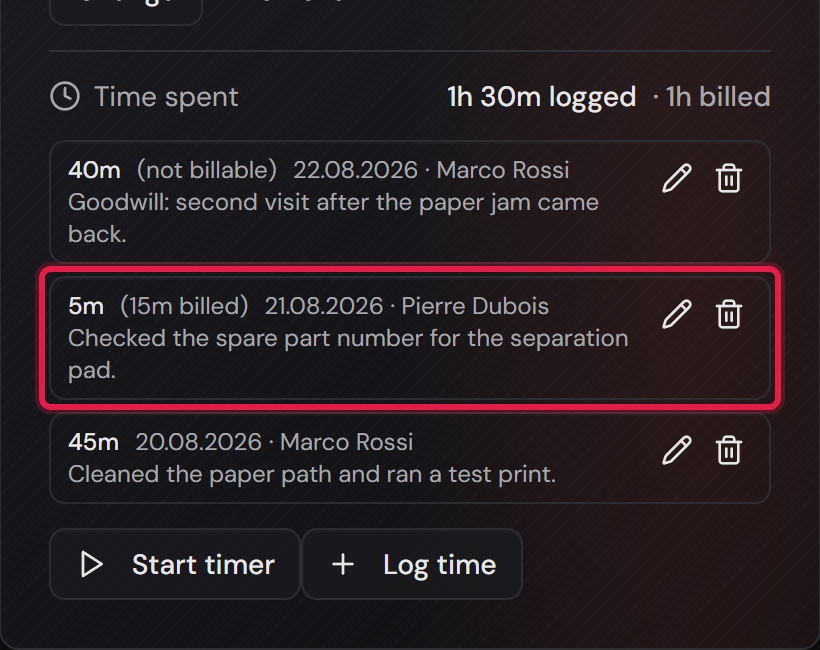
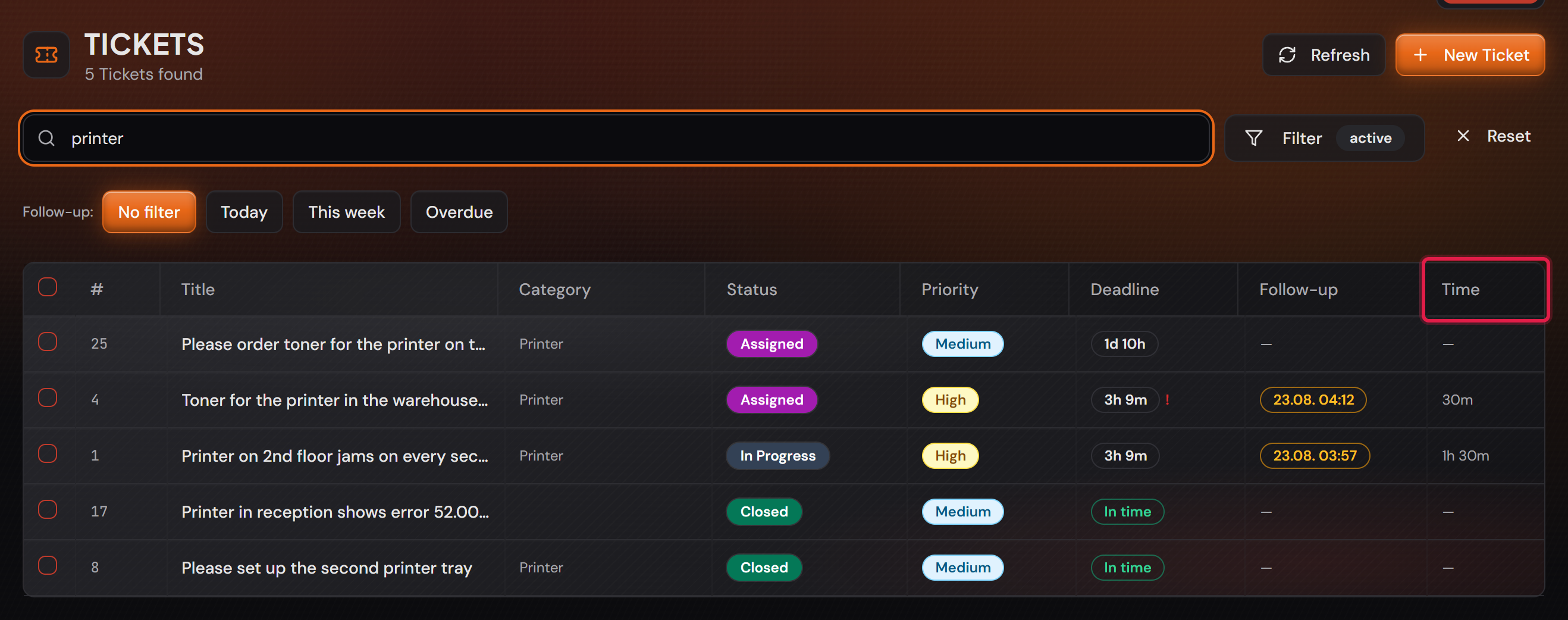
Switch it on before anything is logged
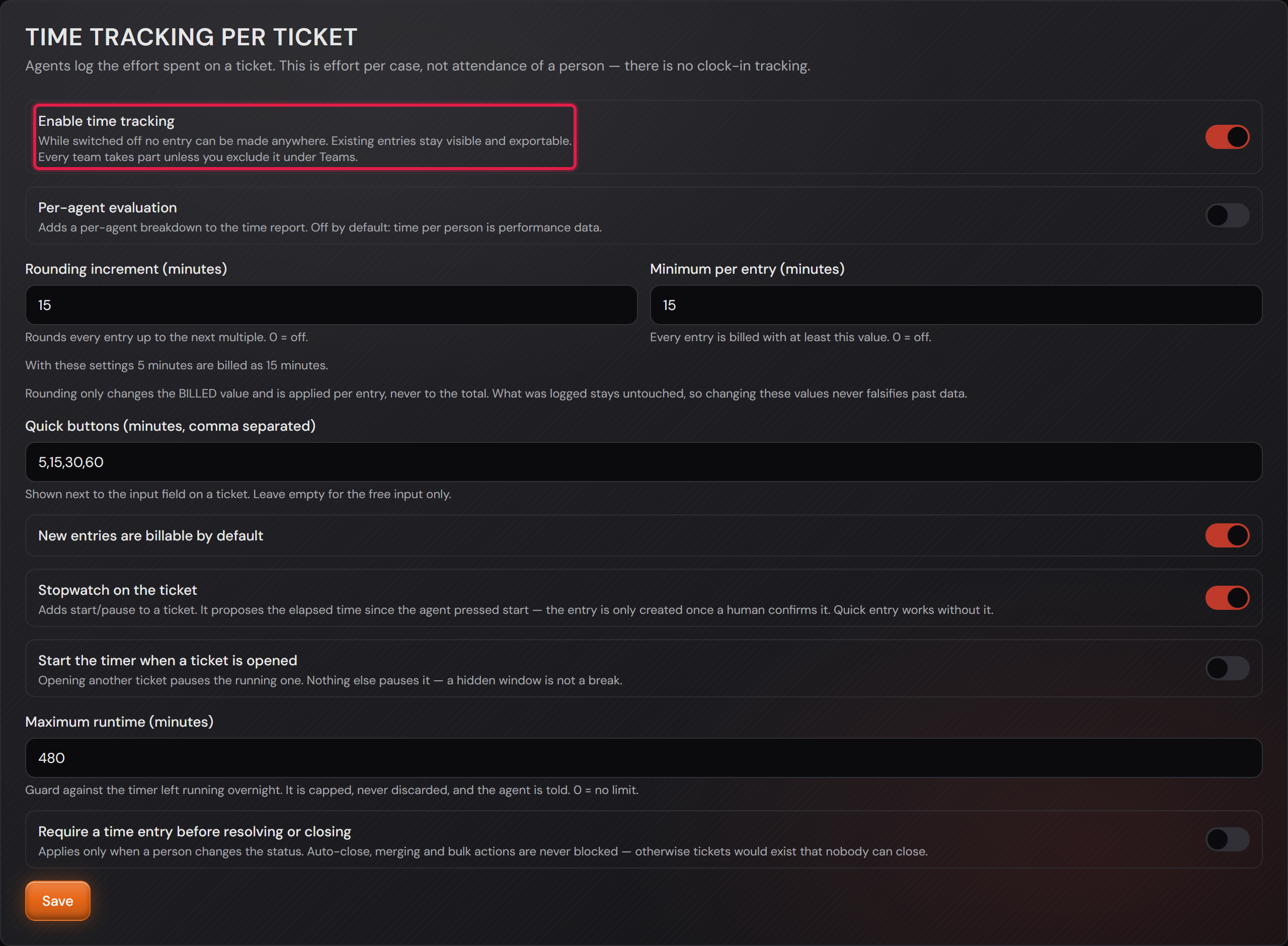
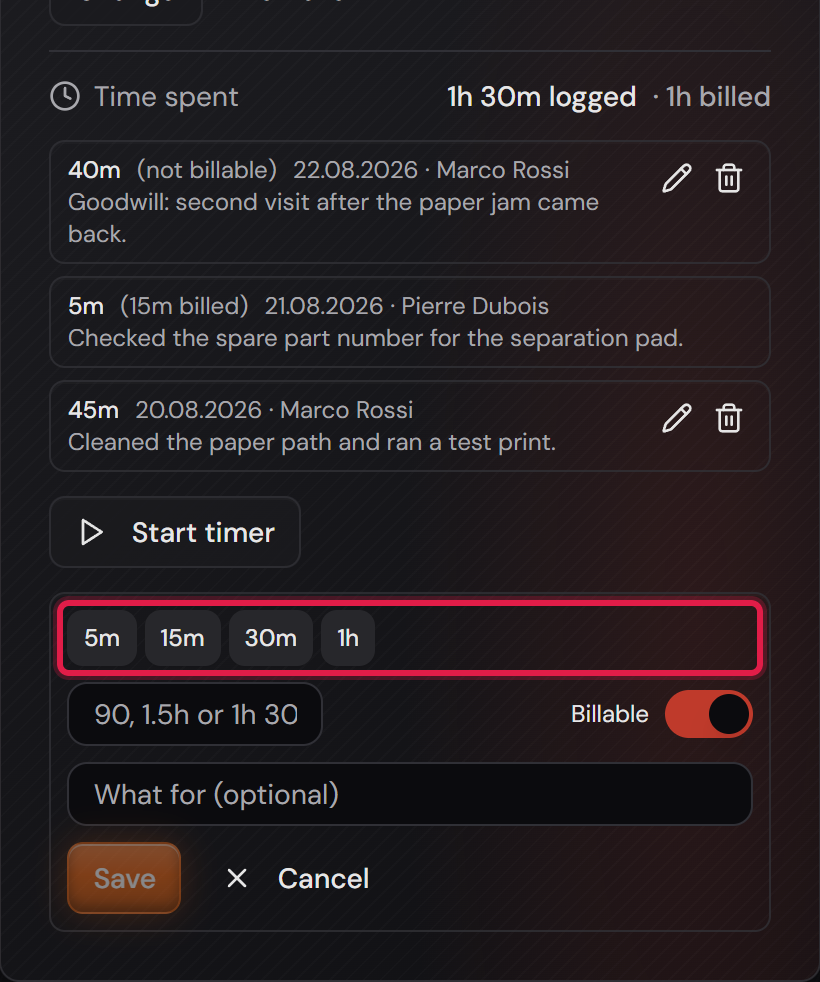
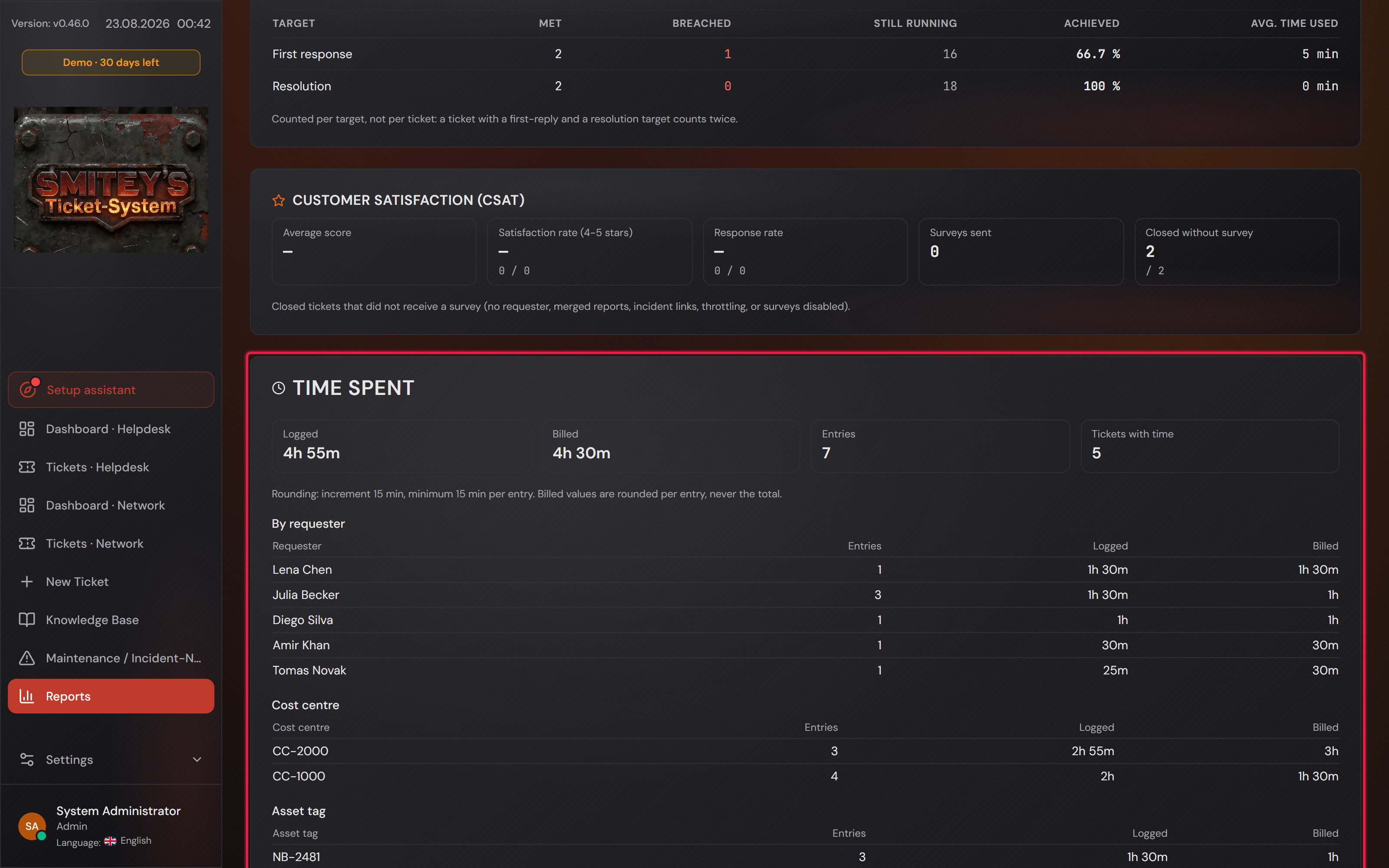
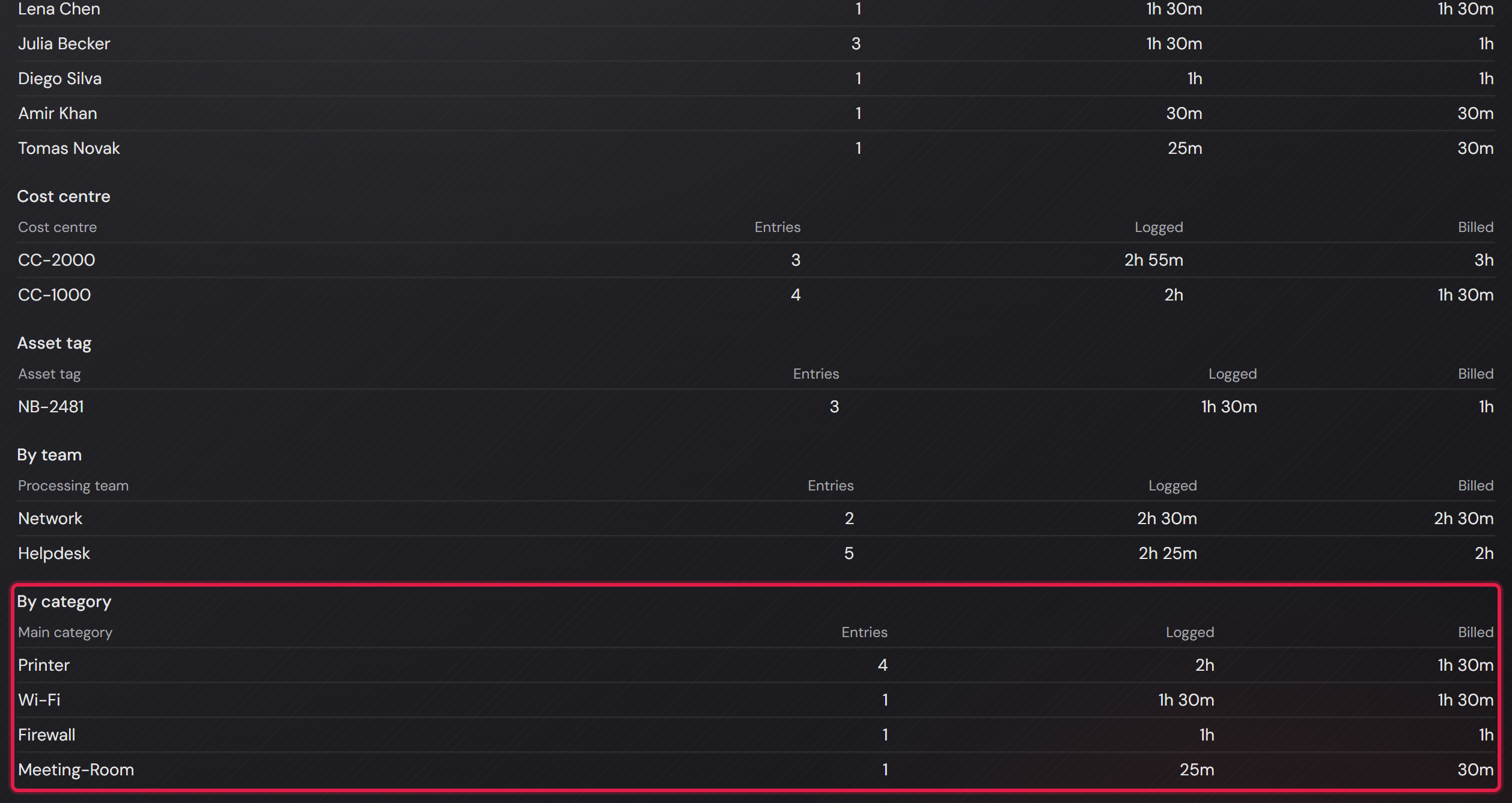
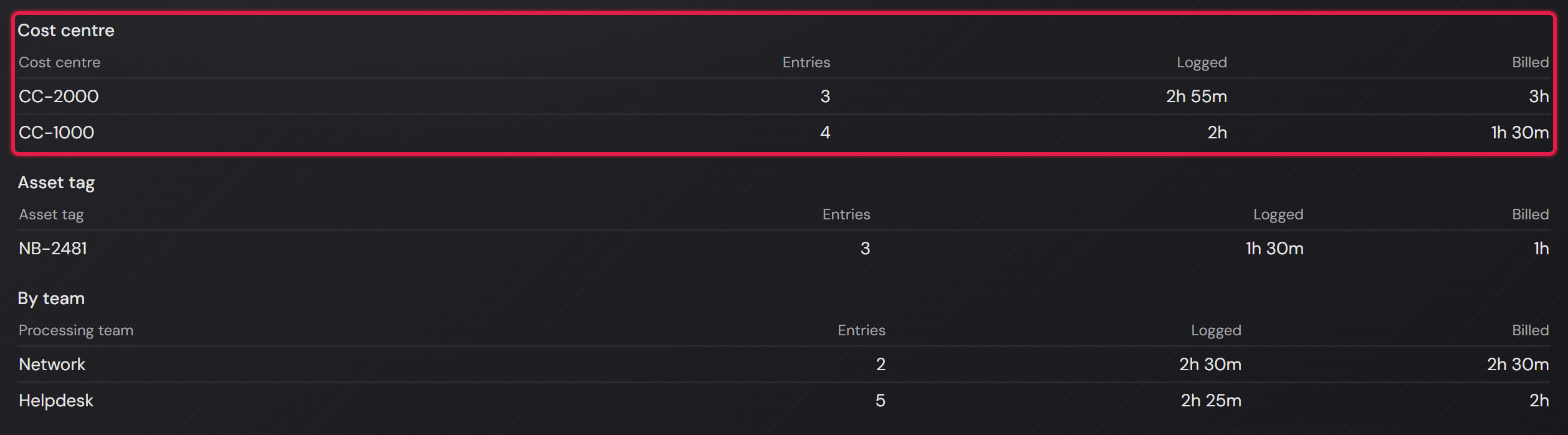
Professional onlyTime tracking is off as a factory setting. While it is off there is no field and no column. The “Time spent” card in the report then only appears if time was logged in the chosen period.
A dead field would be worse than none at all, so the feature disappears completely instead of sitting there greyed out.
The switch sits under “Settings → General” on the card “Time tracking per ticket” and is called “Enable time tracking”.
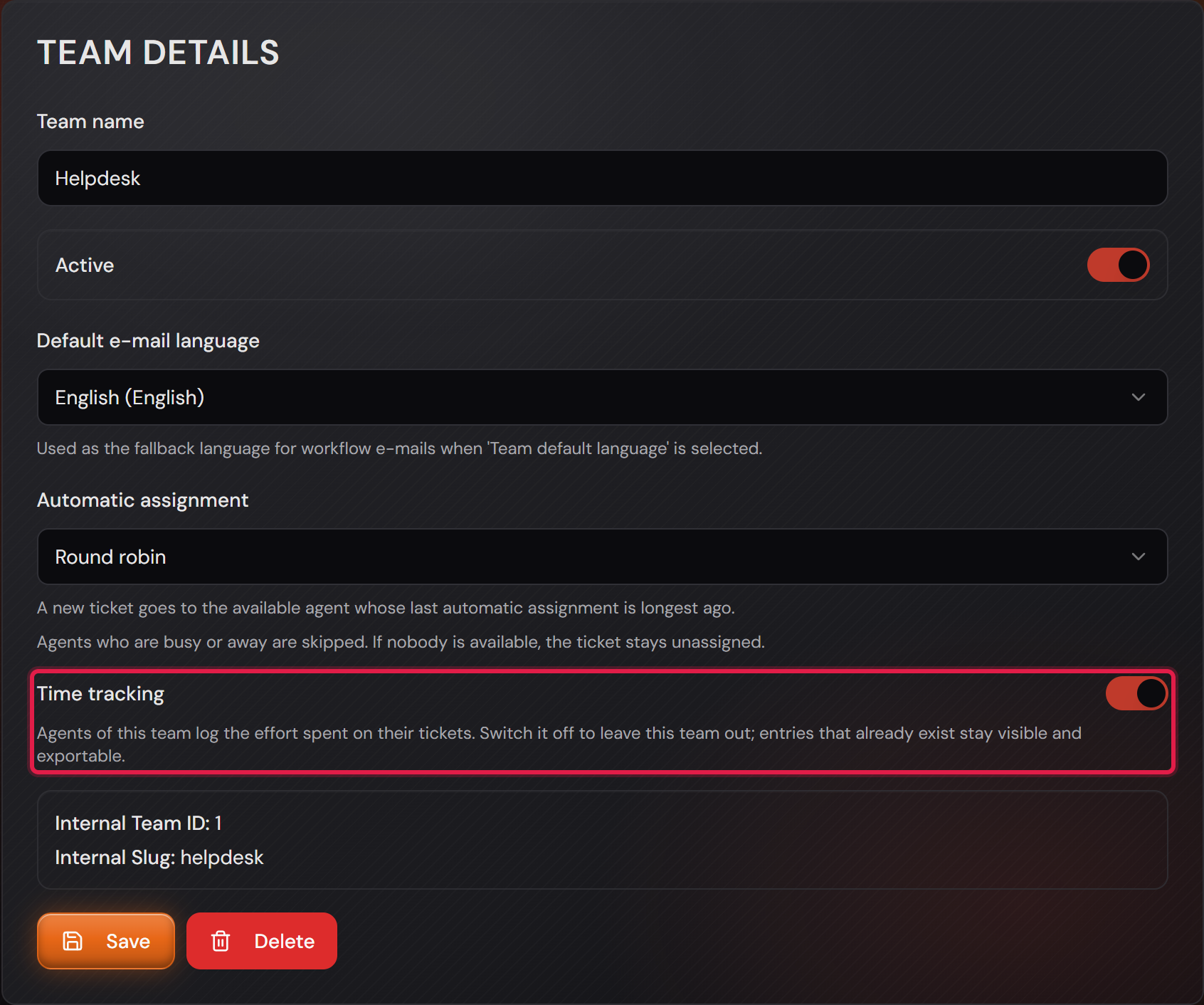
Every team then takes part. To leave one out you switch it off on the team itself, under “Settings → Teams” in the “Team details” box.
A company with an internal IT team and a customer-facing team often needs it only for the second one.
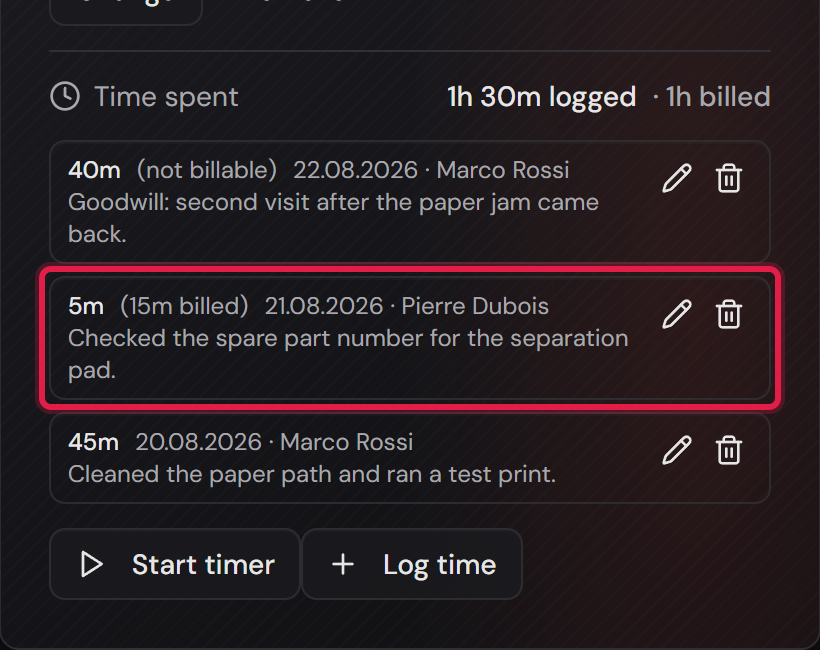
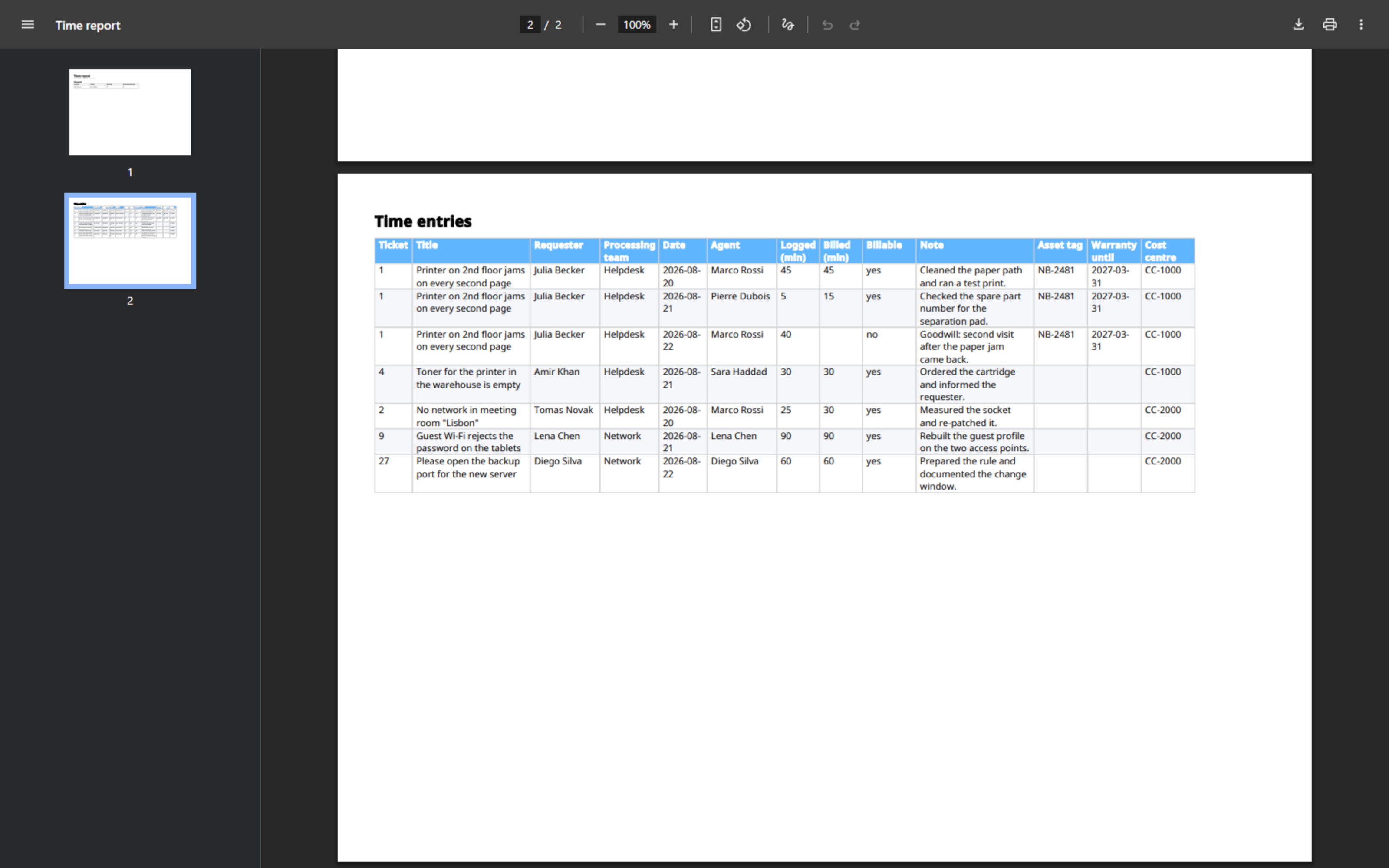
If you switch time tracking off again later, the entries that exist stay readable and exportable — they are a basis for invoicing, not a convenience. Nothing new can be logged. Existing entries can then no longer be changed or deleted either.